
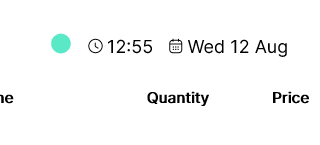
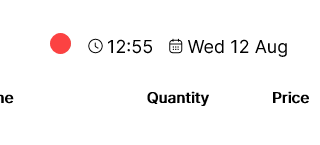
Check the connection indicator in POS365:
- A green circle means POS365 is online.
- A red circle means POS365 is offline.
Sales and cash-register closure can still be completed offline, although functions requiring live Business Central data may be unavailable.
Indepth guide link: “Offline function in POS365”