
This guide explains how to ensure that items are transferred from Business Central to the Admin Center
Step 1: Synchronize items to the Admin Center
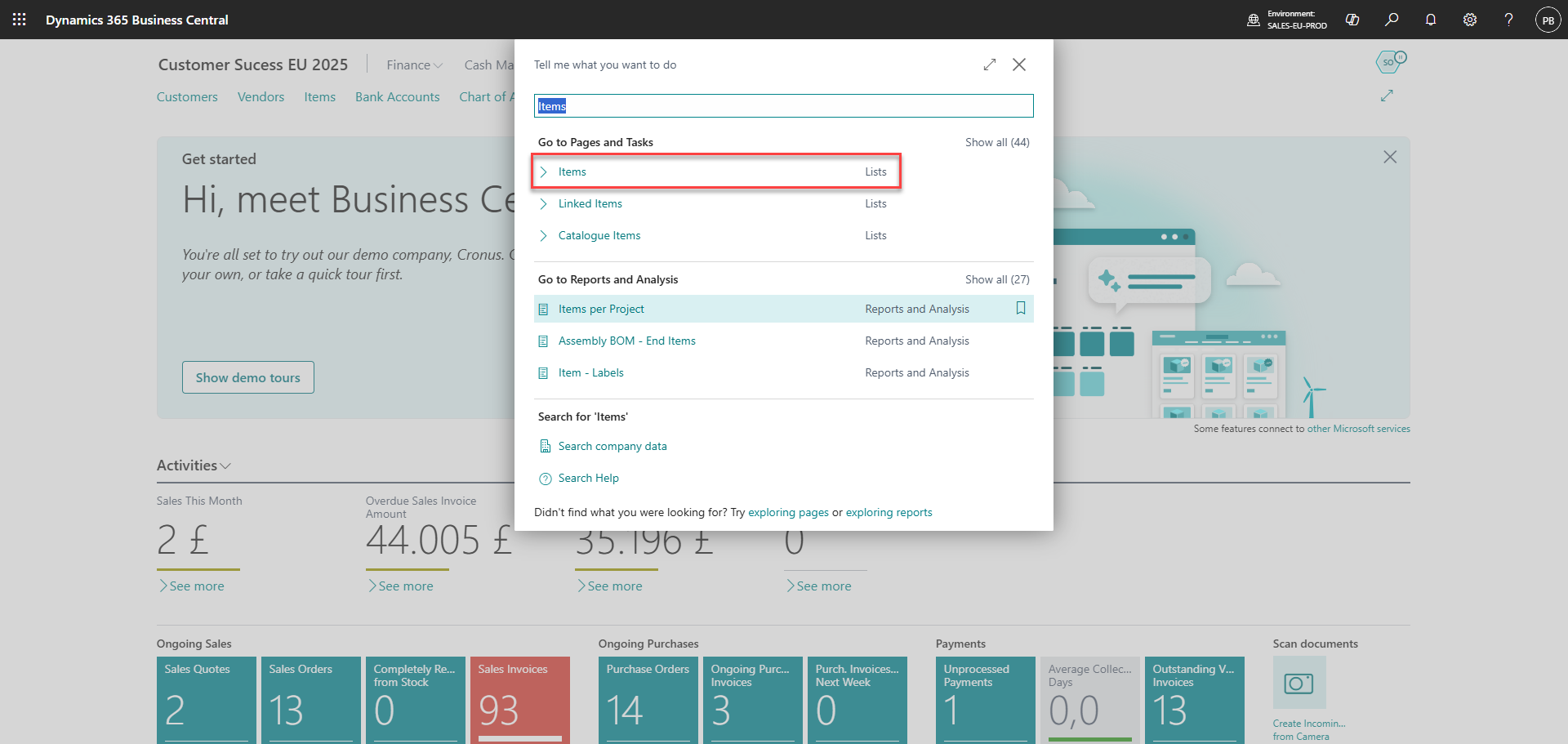
Search for 'Items'
Step 2:
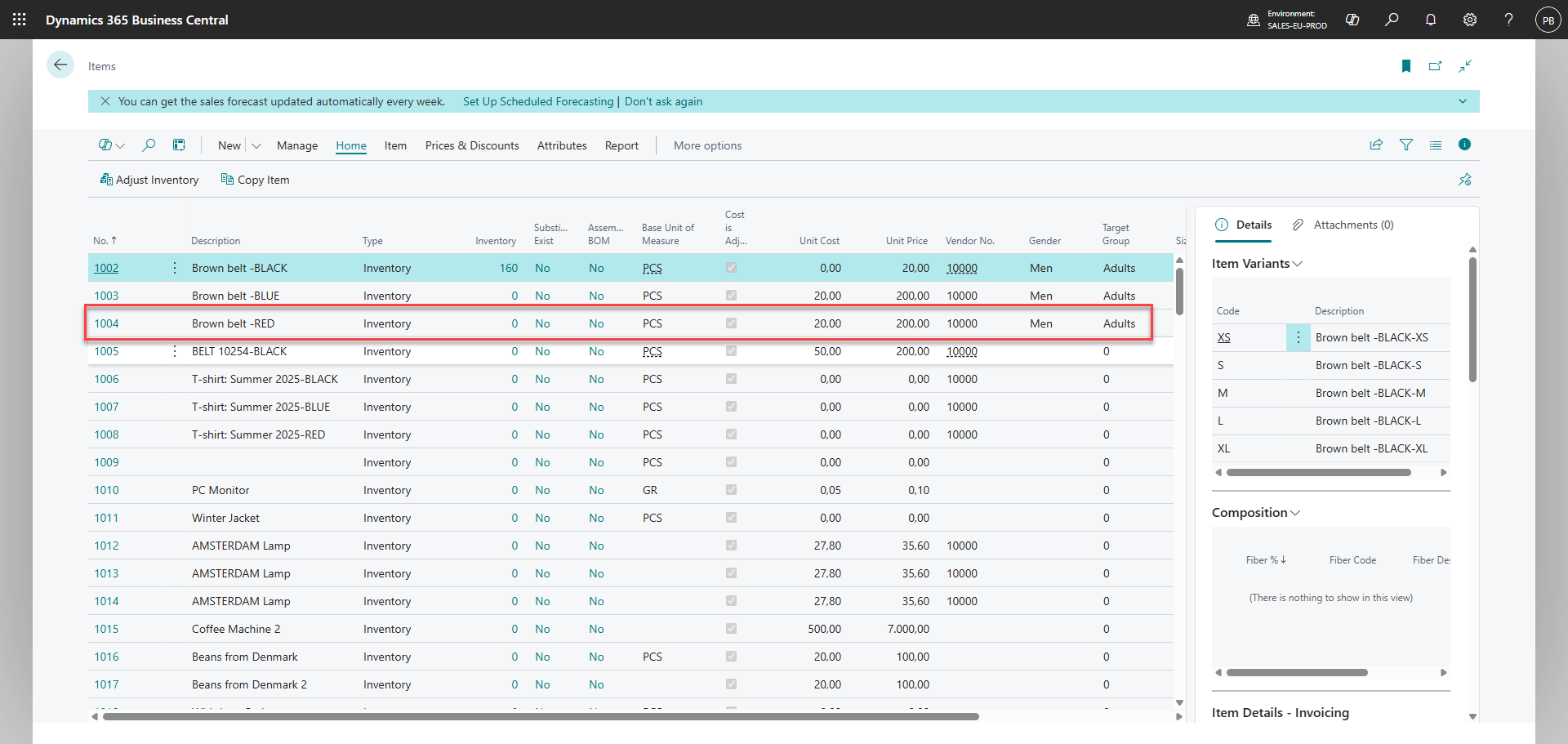
Choose an item
Step 3:
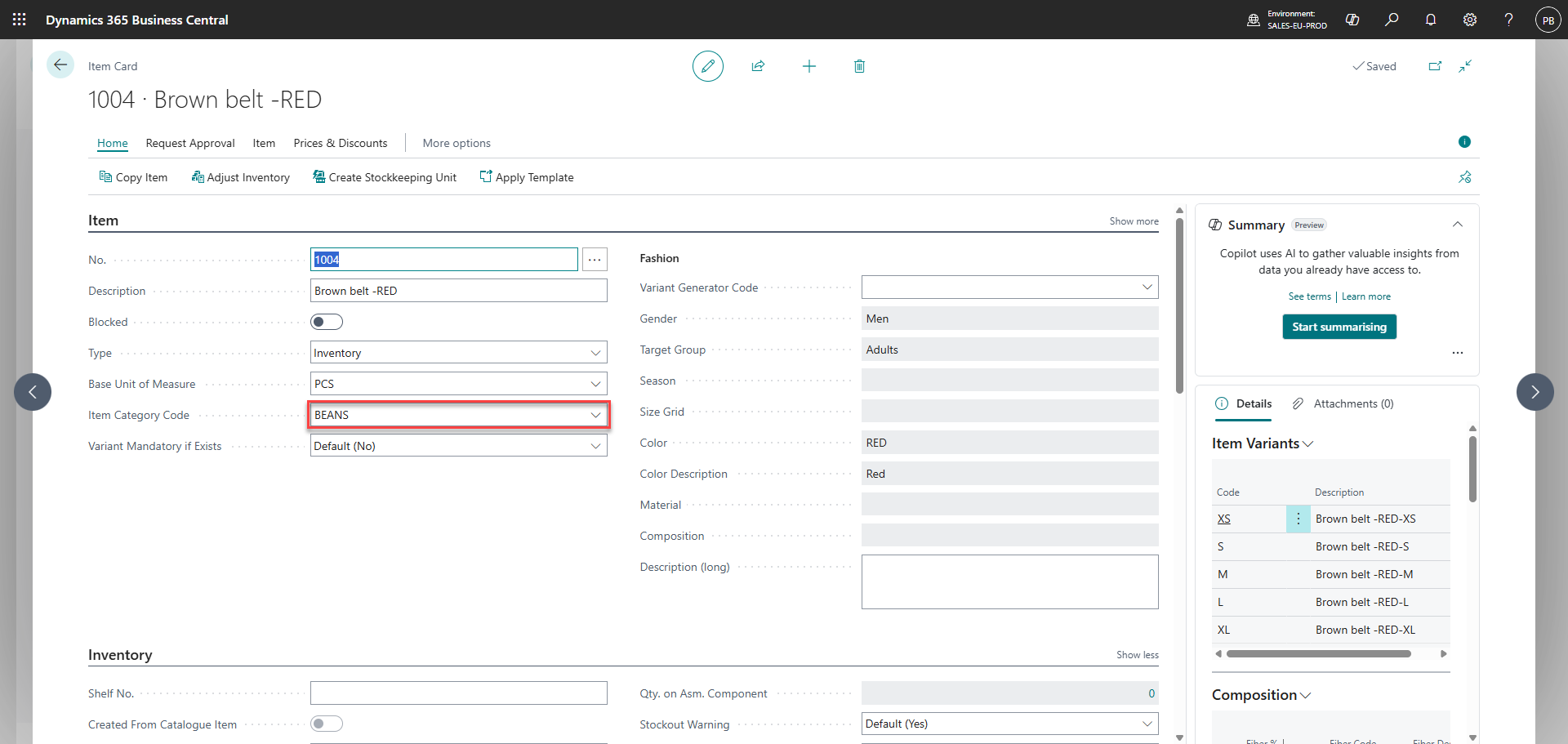
Set 'Item Category Code'
Step 4:
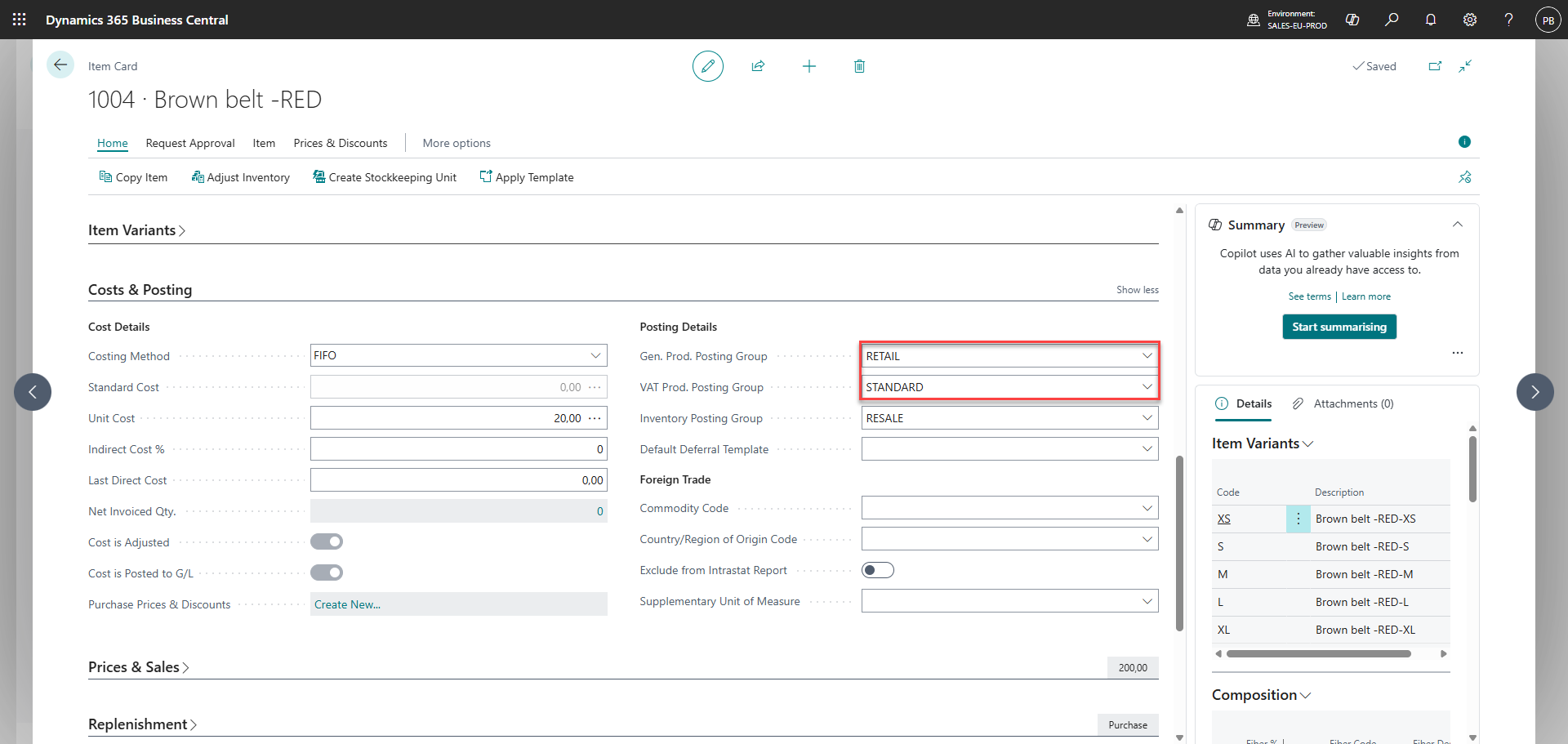
Set 'General Product Posting Group' and 'VAT Product Posting Group'
Step 5:
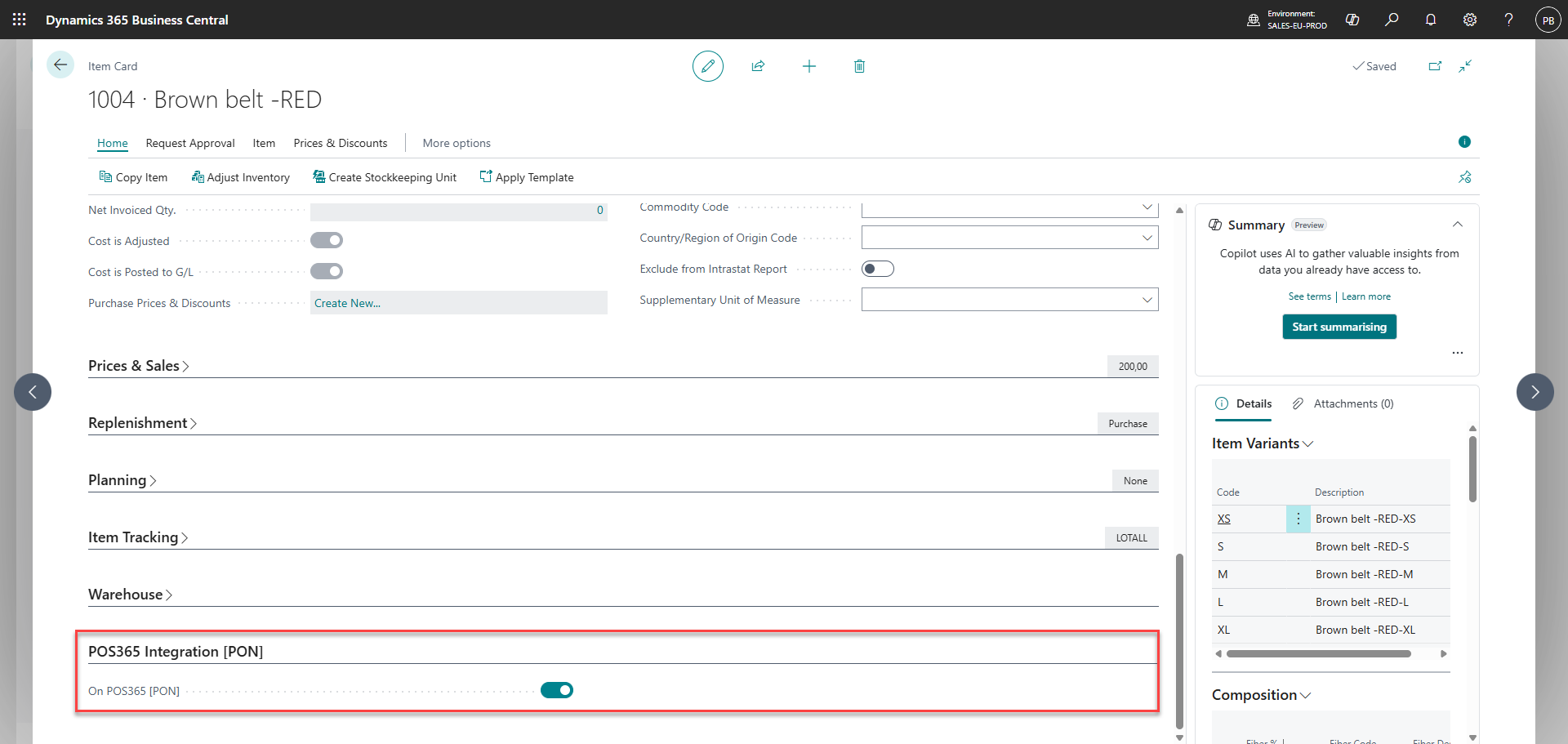
Toggle 'On POS365 [PON]' on
Note: This function can also be used to turn synchronization off for a specific item in an item category that is added to the Admin Center