
Before you begin
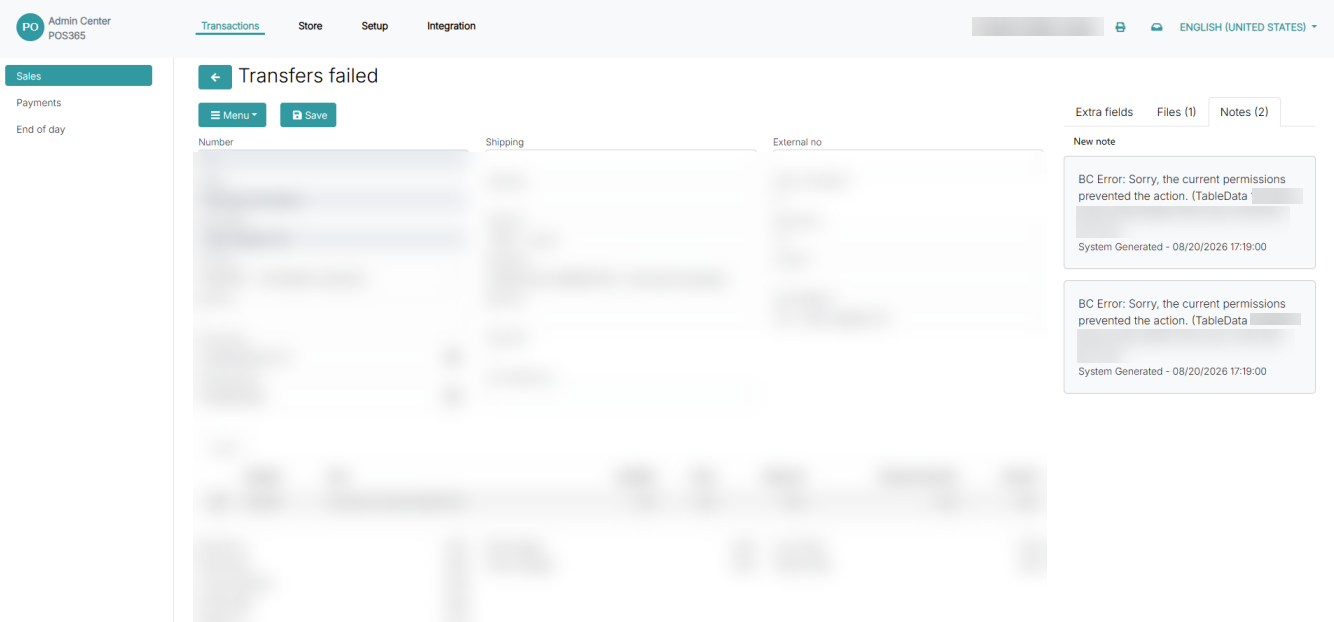
Open the failed transaction in the POS365 Admin Center and note the Object ID displayed next to TableData in the error message.
Step 1: Create a permission set
- Open Permission Sets in Business Central.
- Select New.
- Enter a name for the permission set.
- Select Permissions.
Step 2: Add the Object ID
- Select the three dots in the Object ID field.
- Search for the Object ID shown in the failed transaction’s error message.
- Select the matching Object ID.
Step 3: Assign the permission set to POS365
- Search for and open Microsoft Entra Applications.
- Select the POS365 Microsoft Entra application.
- Select the three dots under User Permission Sets.
- Select the permission set created in Step 1.
The permission set is now assigned to the POS365 Microsoft Entra application.