This guide explains which settings are recommended for the Zebra GK420d Label printer in POS365
To connect the printer to POS365, follow this guide.
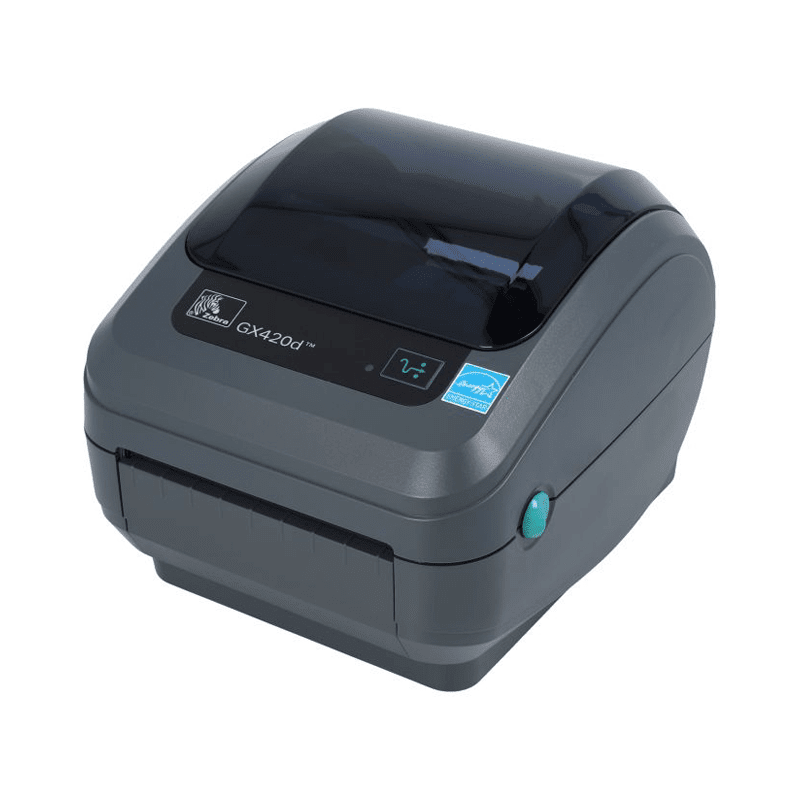
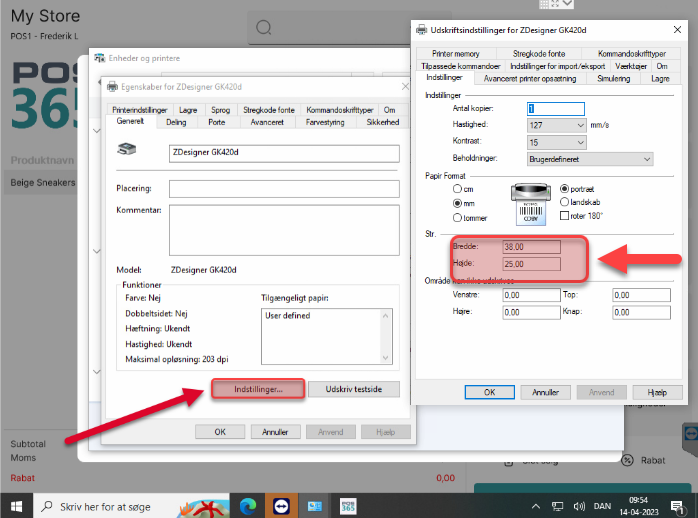
To set up the Zebra GK 420d Label printer, navigate to the printer setting. On the general tab, select Settings, and set up:
Width: 38 mm.
Height: 25 mm.
Note:
To see the full documentation: https://www.zebra.com/gb/en/support-downloads/printers/desktop/gk420d.html