This guide explains how to make in/out payments directly on a customer through POS365. In other words, the customer can make deposits and withdrawals.
This function can be used if a customer wants to increase or decrease their balance from Business Central.
Step 1:
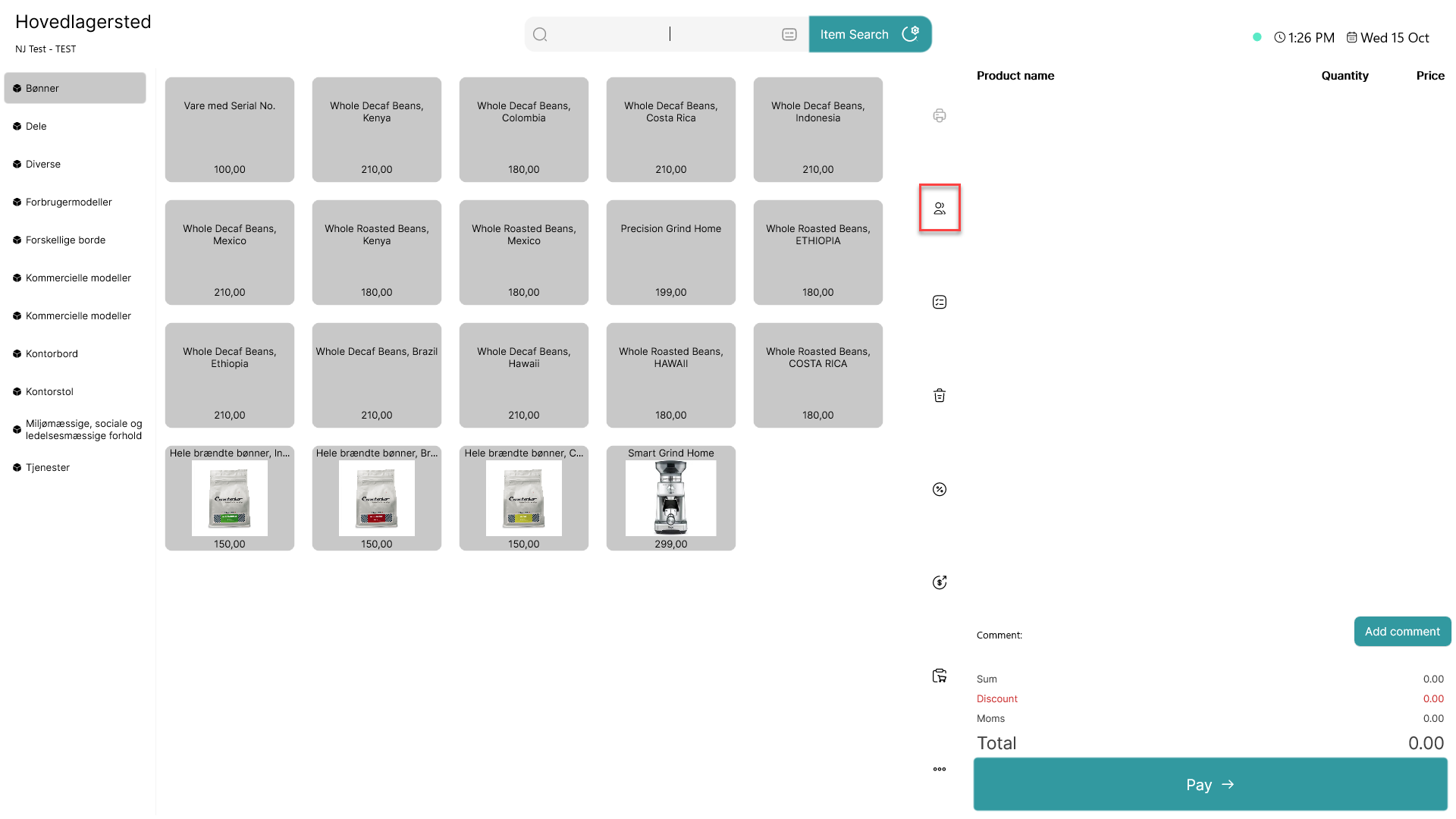
Click on the  - button
Step 2:
A list of all customers is shown
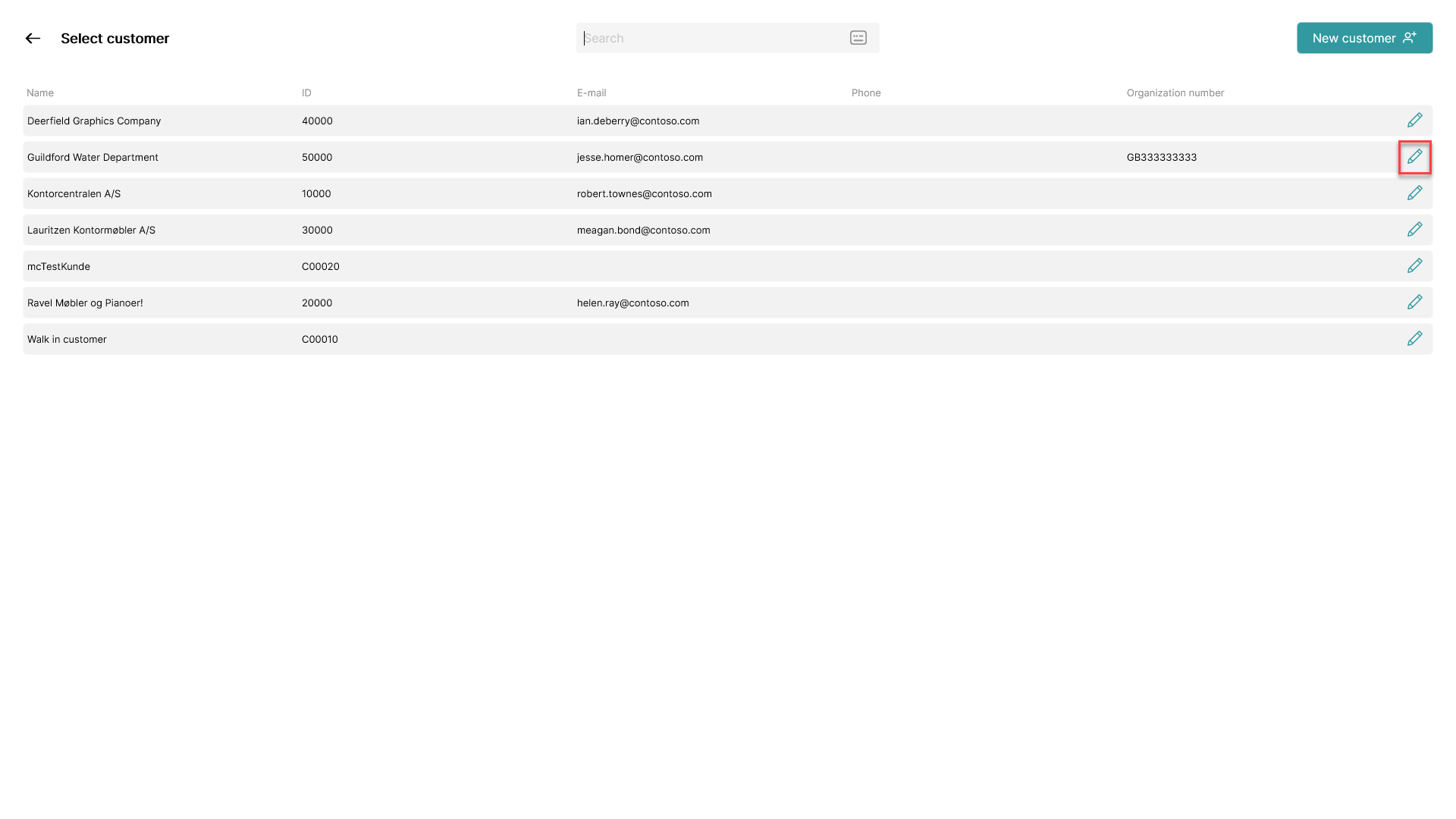
Click on the  - icon on the line of the customer whose invoice you want to edit
Step 3:
A pop-up with customer information appears
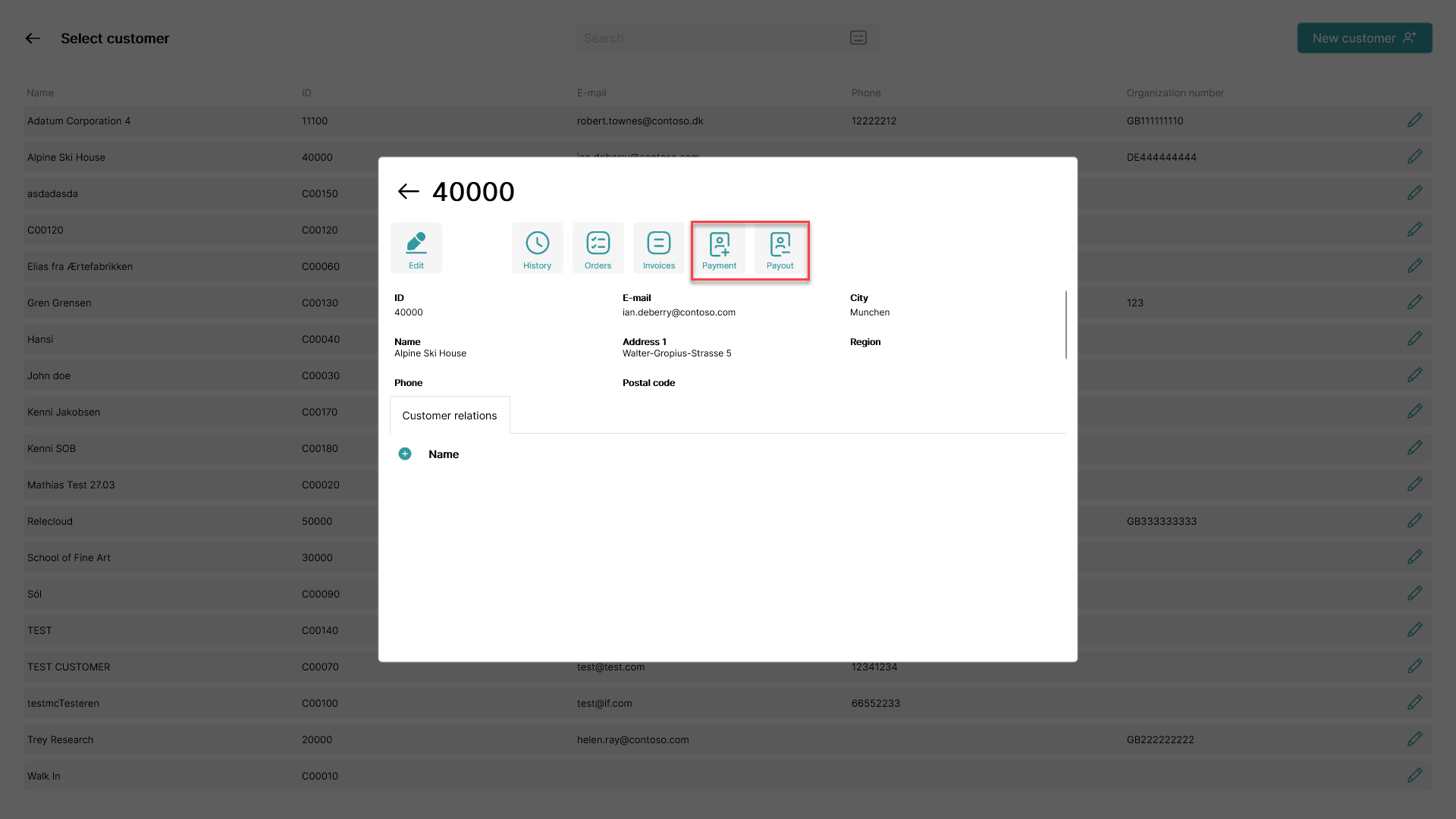
Use the two payment buttons to either make in or out payments directly on the customer
Step 4:
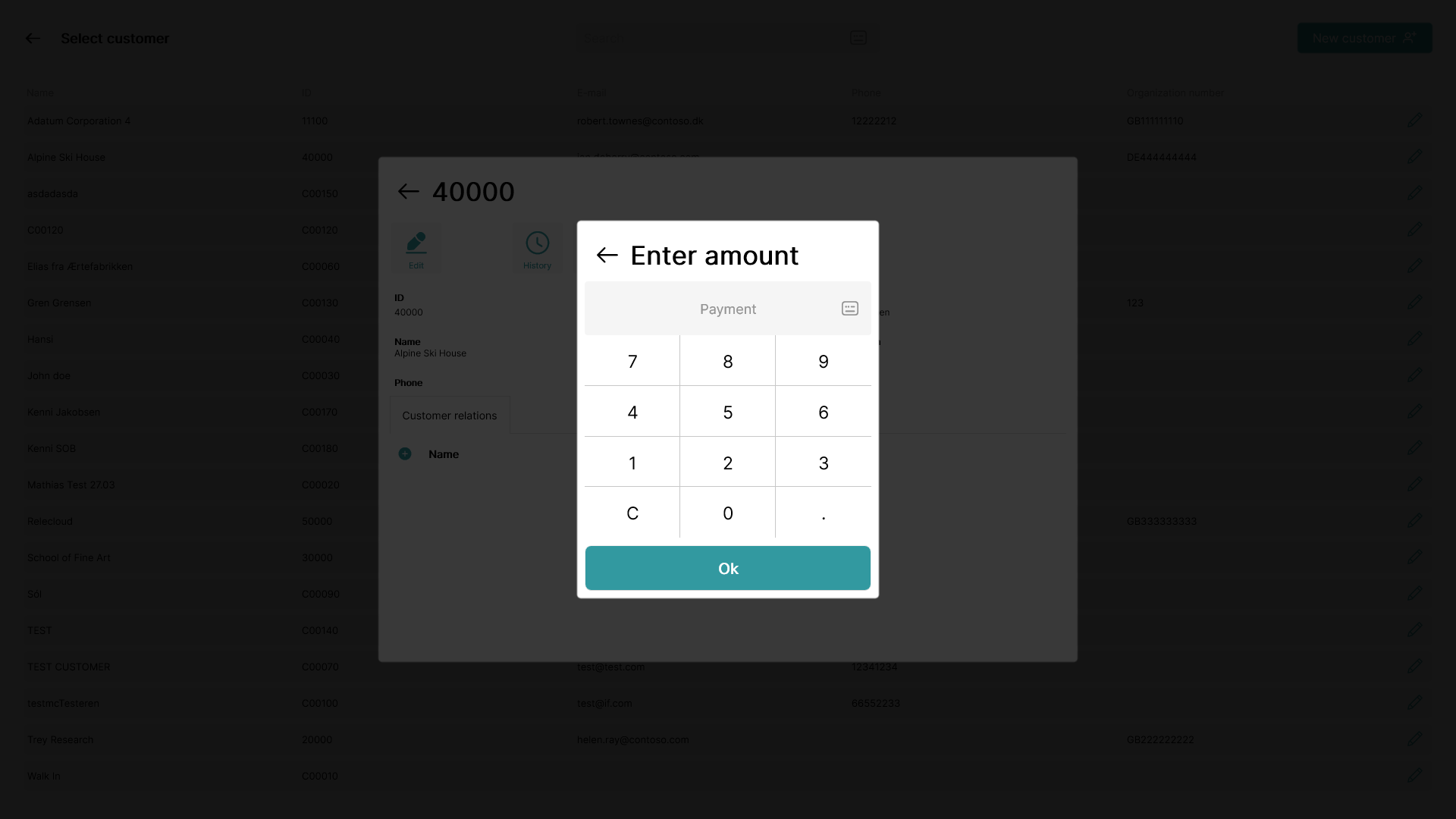
Insert the amount to be paid or withdrawn
Step 5:
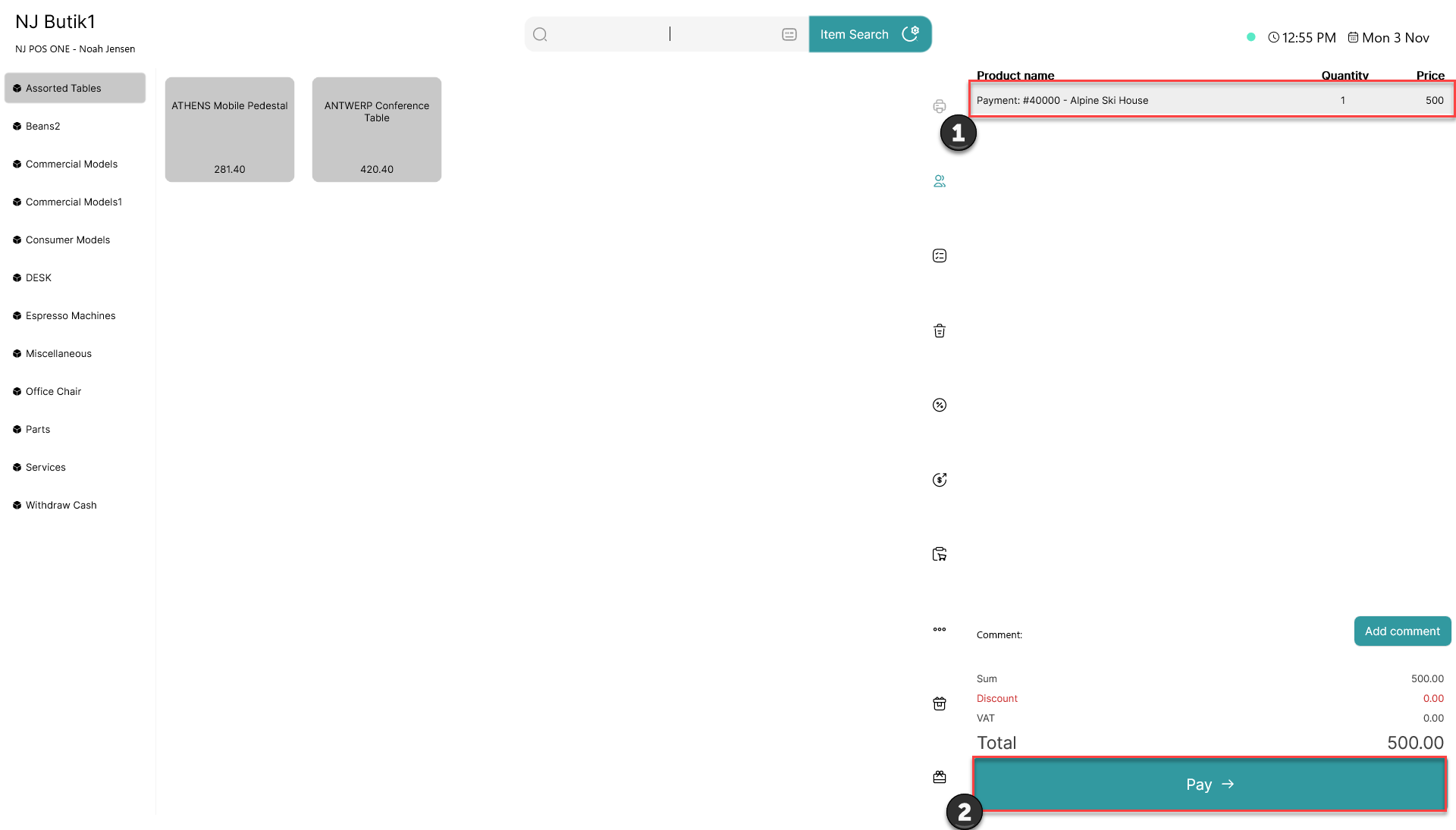
1) The payment will be added to the basket
2) Click 'Pay'