This guide explains how to add dimensions to locations in Business Central to be used for POS365 locations.
By setting a dimension on a location, you can group different locations to create meaningful reports and alike. Dimensions will be set on all payments and end-of-days.
Step 1:
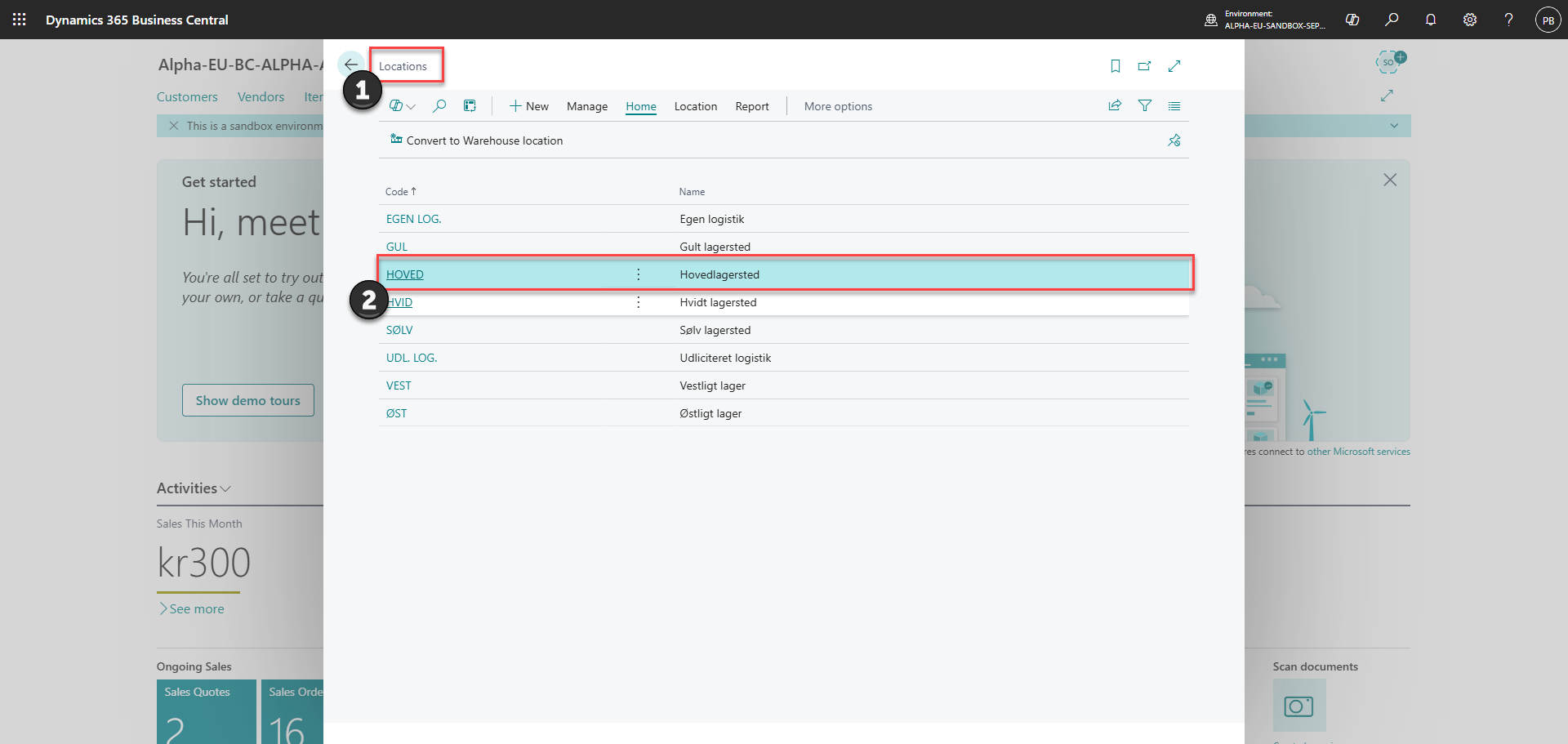
1) Go to 'Locations'
2) Find and edit the location that you want to add dimensions to
Step 2:
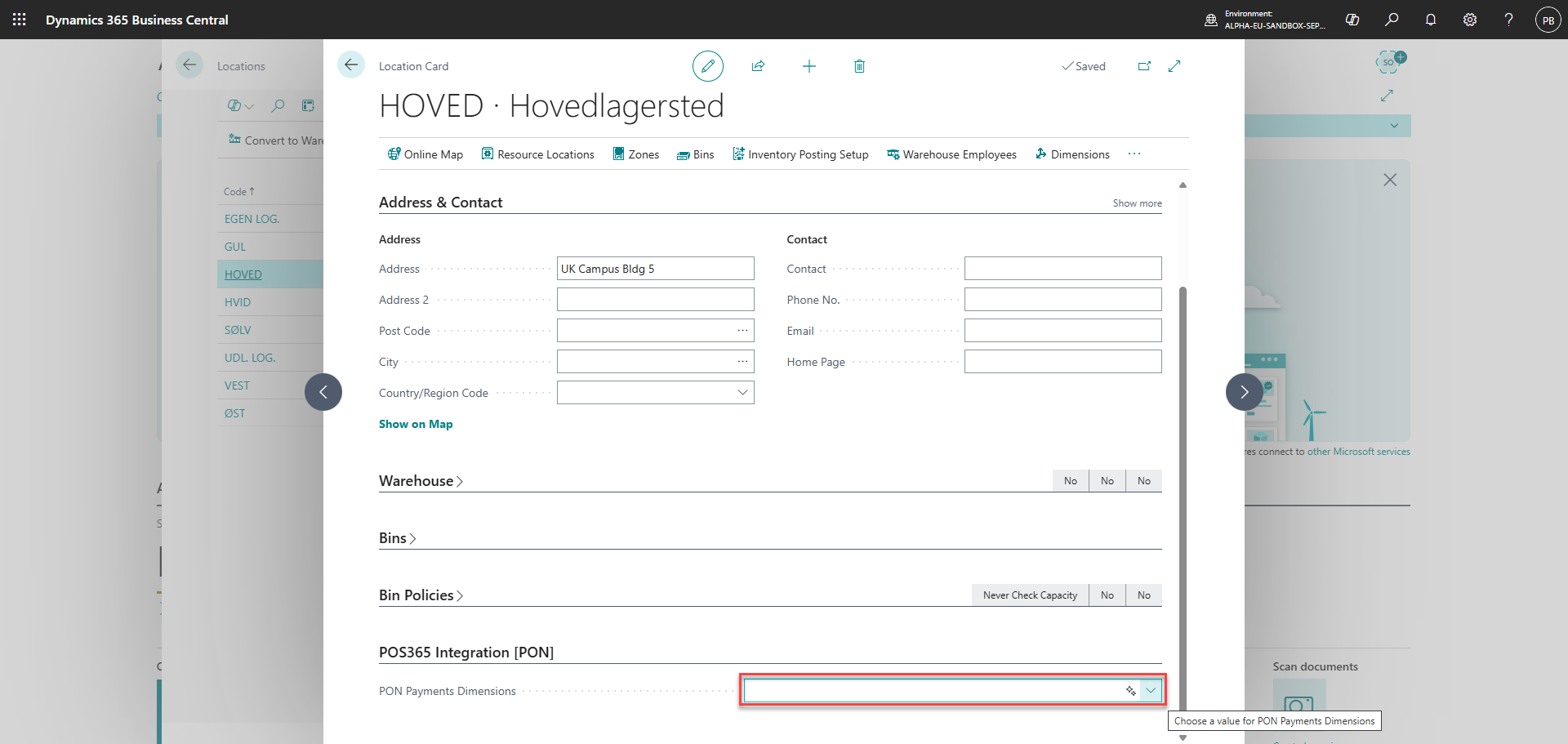
Scroll down to the bottom of the location card and insert the dimension in the 'PON Payments Dimensions' field