This guide explains how to make in and out payments directly from the cash register. Note that the in and out payment types must be created in the Admin Center beforehand. This can be done by following this guide.
Step 1:
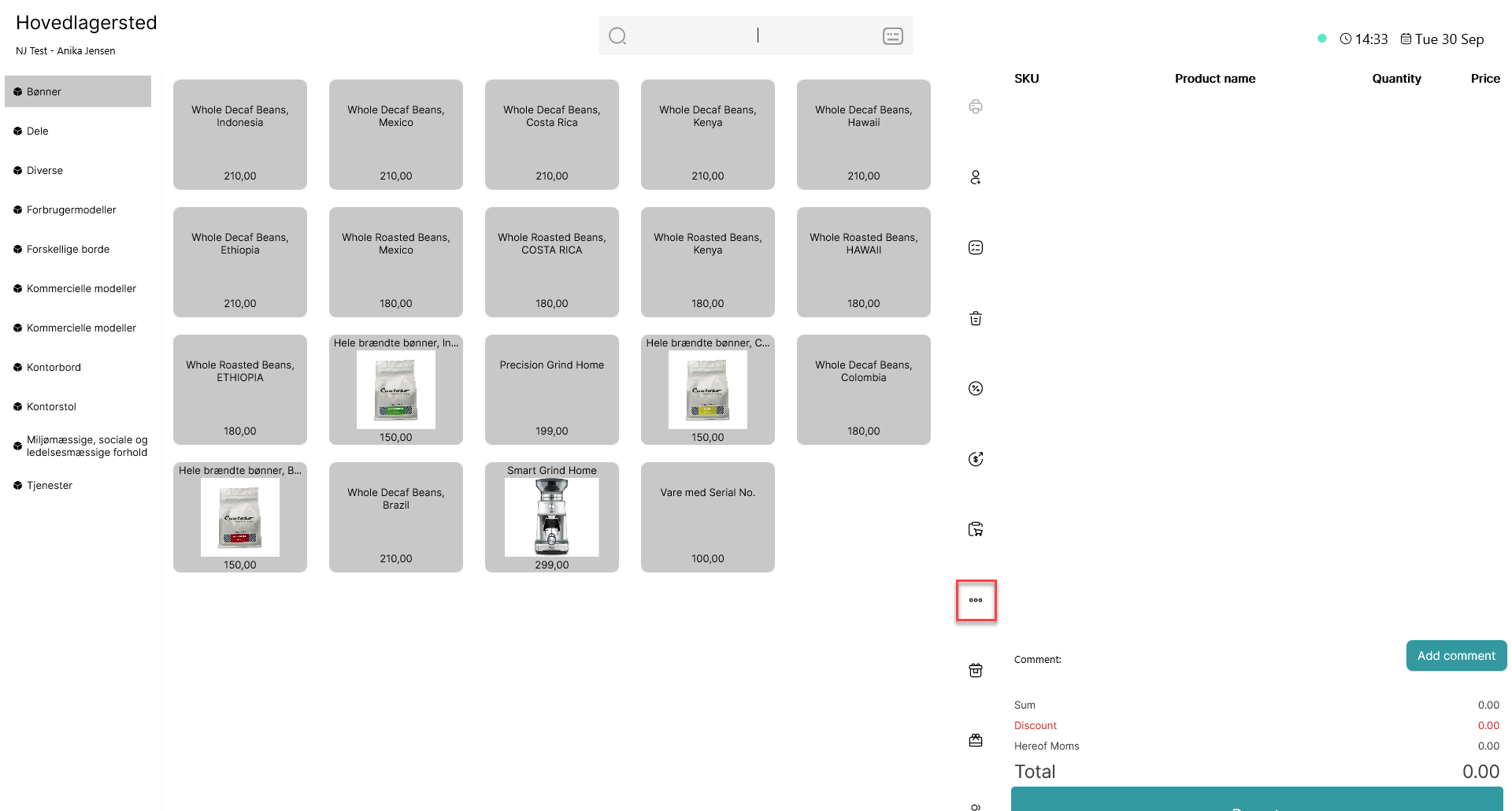
Click on the 3 dots ( )
)
Step 2:
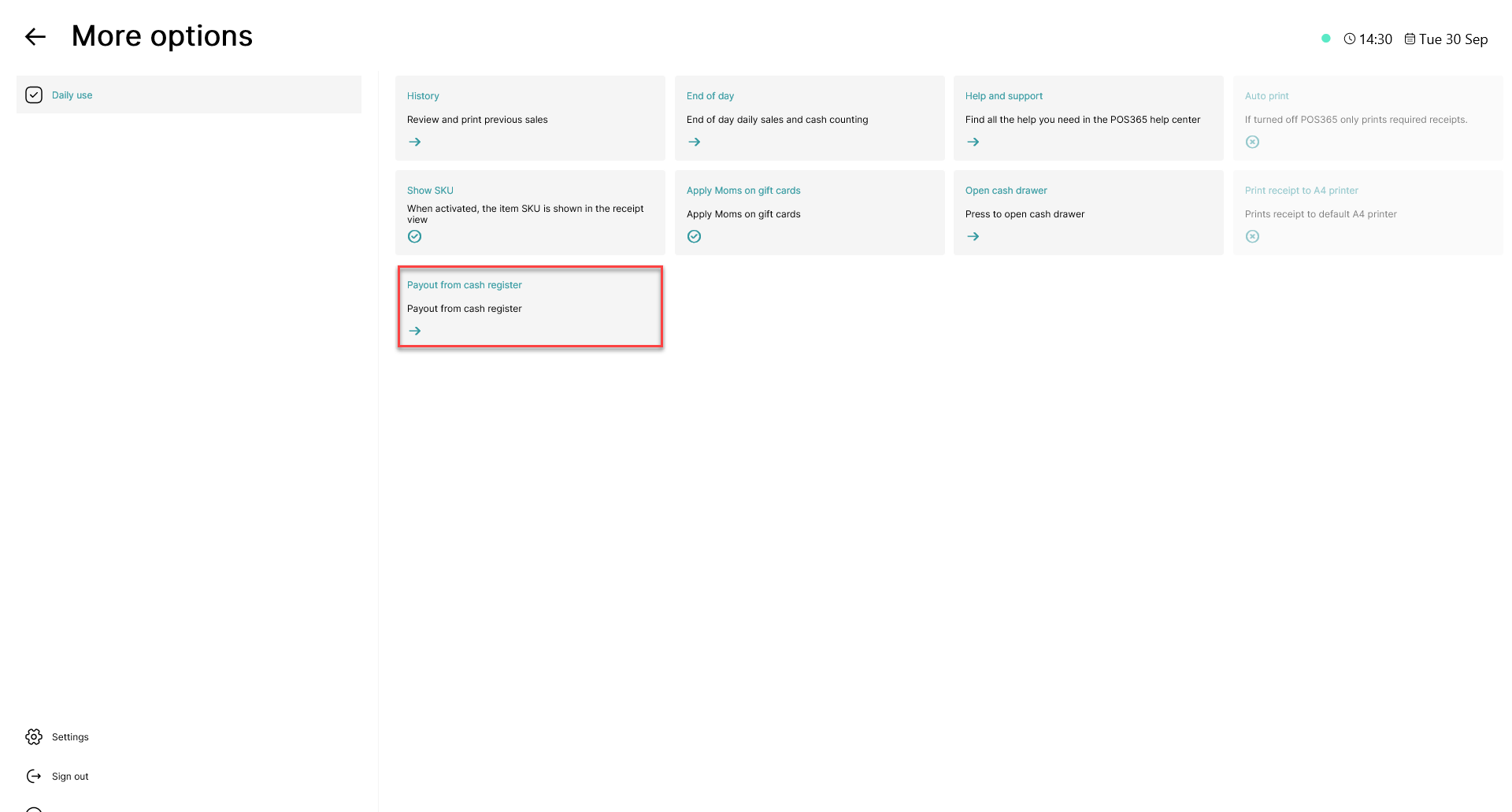
Choose 'Payout from cash register'
Note:
You can also select 'Payment to cash register' to deposit money in the cash register
Step 3:
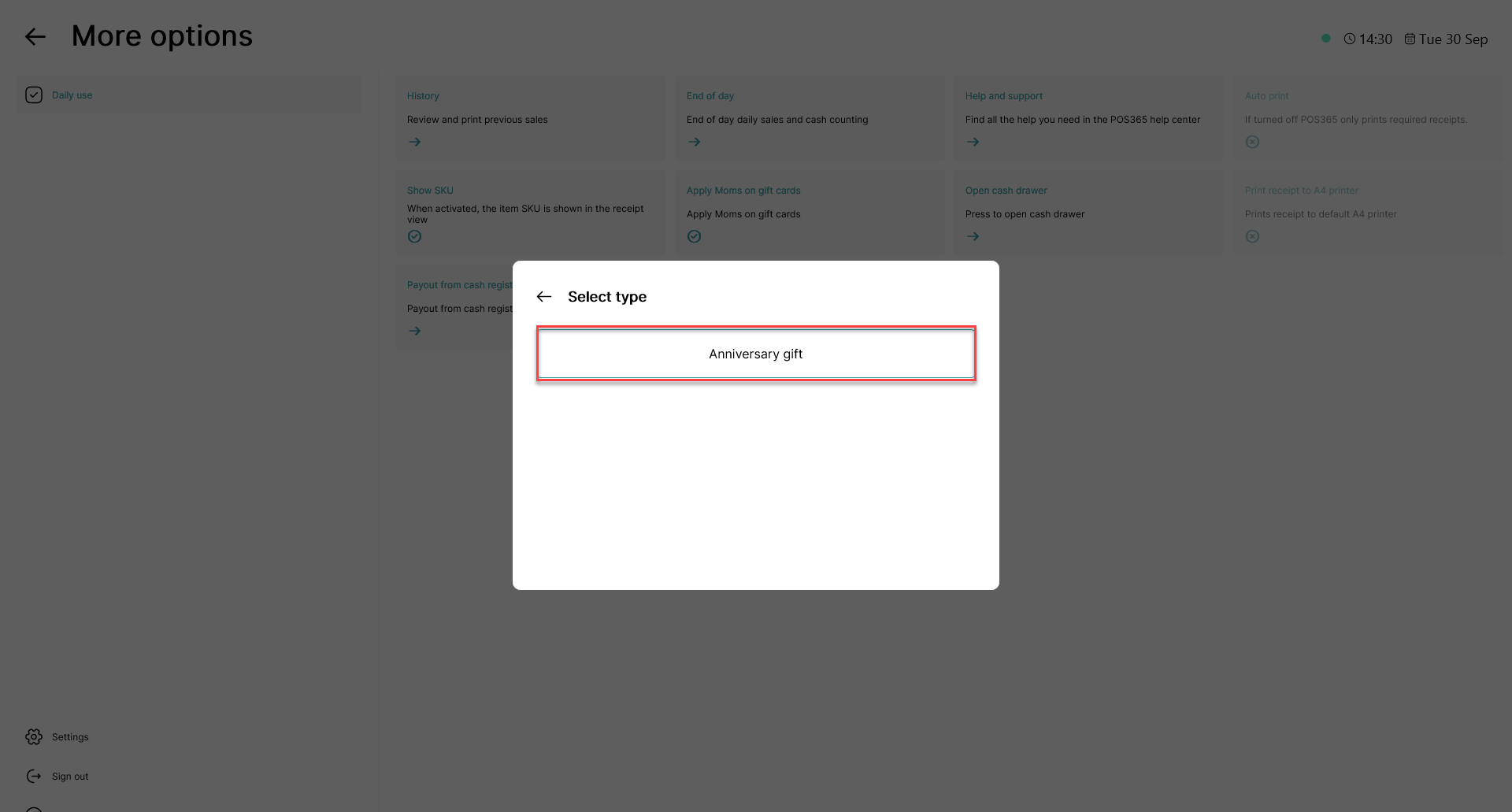
Choose the in/out payment type fitting for your withdrawal
Step 4:
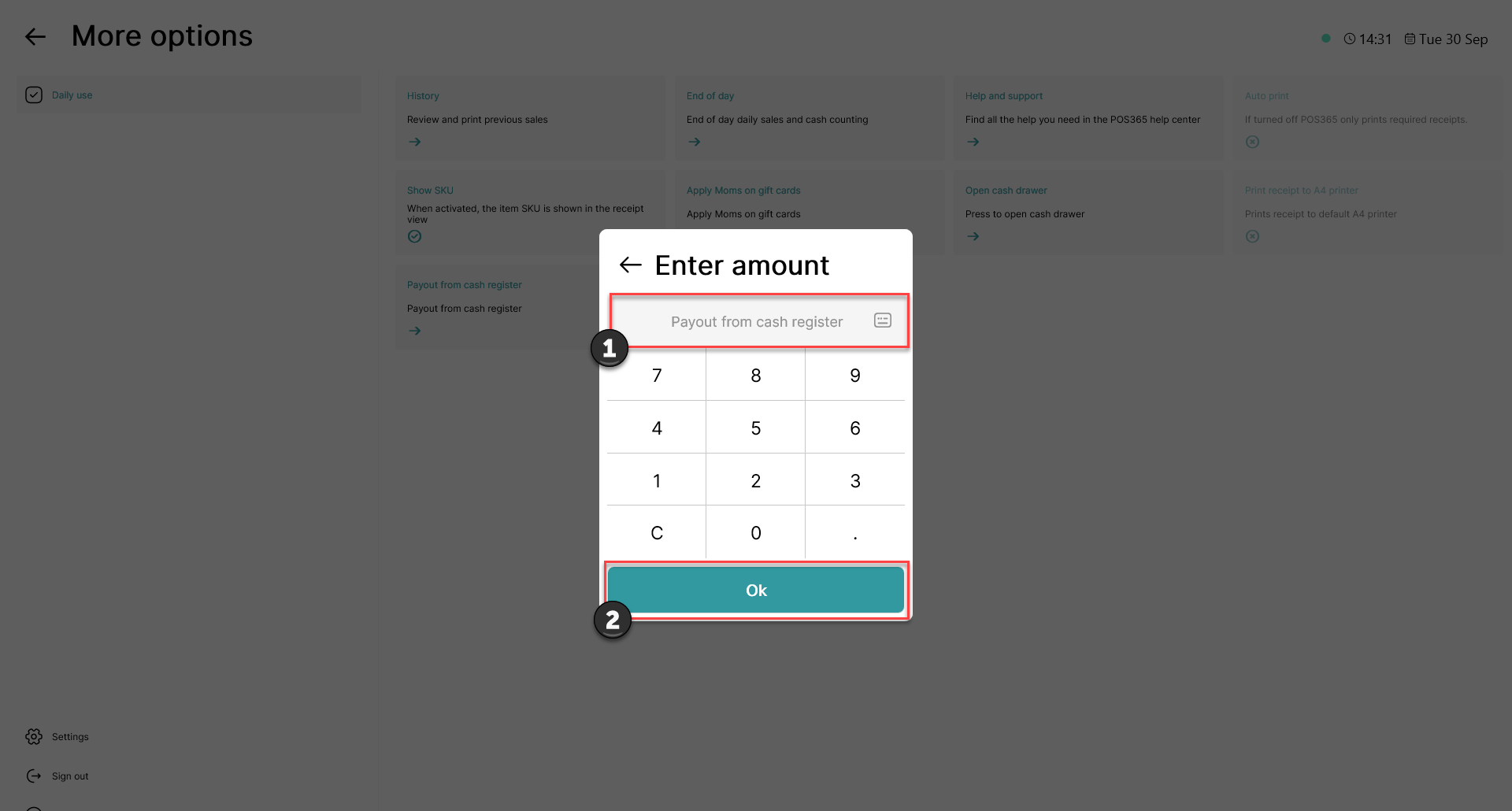
1) Enter the amount of money you wish to withdraw
2) Click 'Ok'
Step 5:
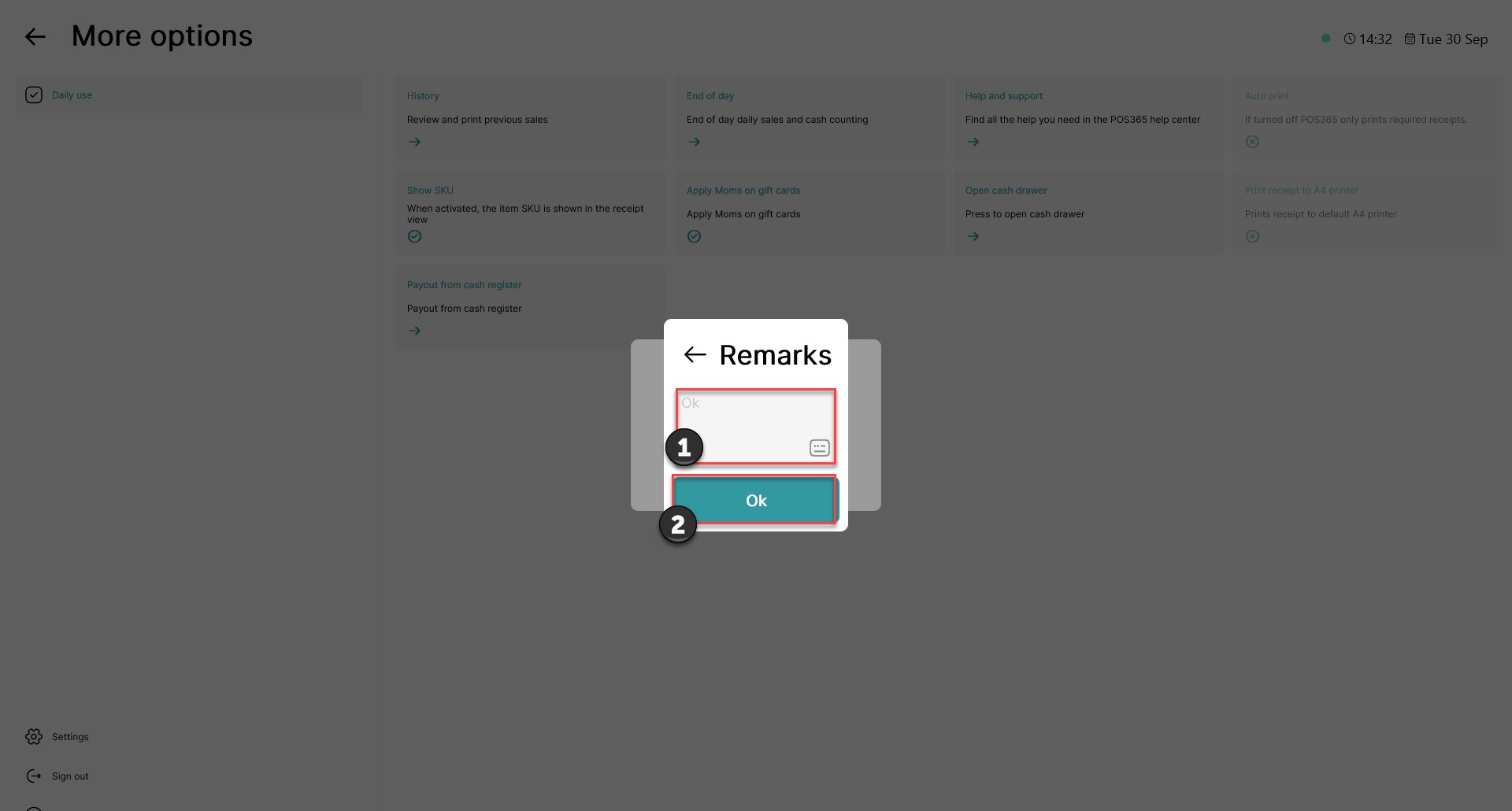
1) Add a remark (optional)
2) Click 'Ok'
Once this has been done, a prompt with the entered amount of money will be displayed, and you are now free to take the money from the cash register.