Skip to content
English
  • There are no suggestions because the search field is empty.

How to - Enable/disable a customer display screen

This guide explains how to add another screen to the POS365 app, so you can display items in the basket to the customer.

This guide explains how to add another screen to the POS365 app, so you can display items in the basket to the customer.

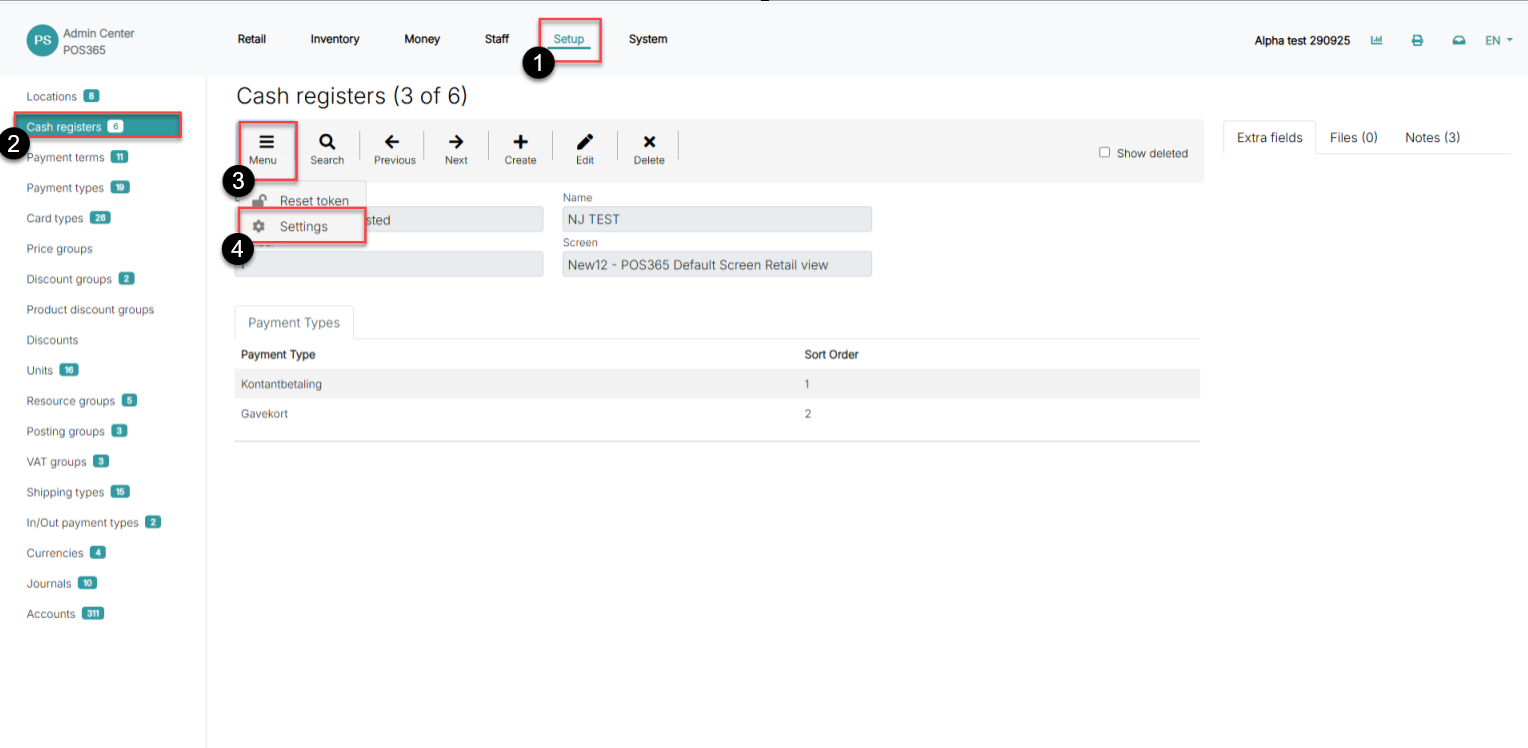
Step 1:
how to enable disable a customer display screen

1) Go to 'Setup'

2) Select 'Cash registers'

3) Open 'Menu'

4) Click on 'Settings'

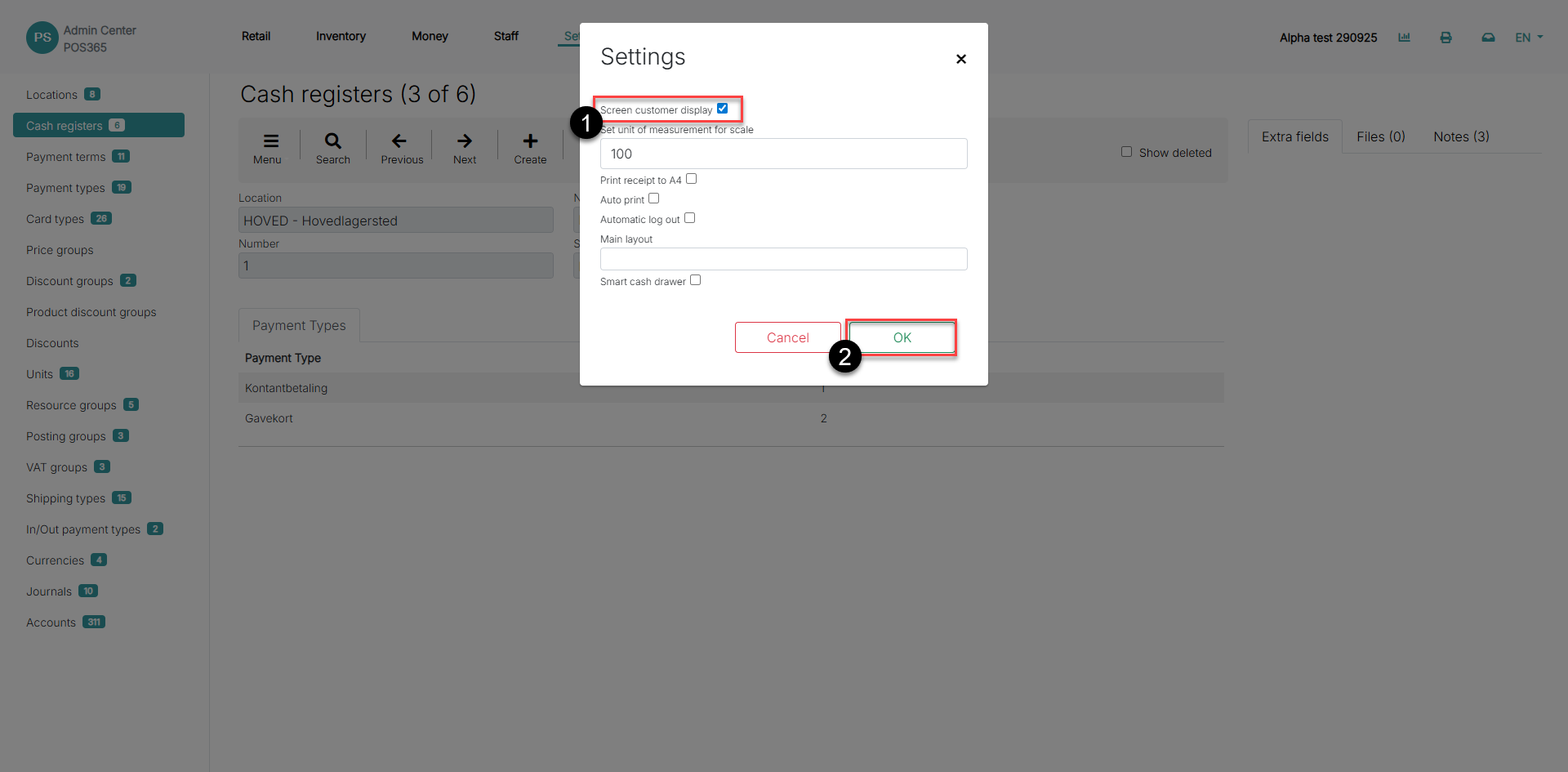
Step 2:
how to enable disable a customer display screen

1) Toggle 'Screen customer display' on or off

2) Click 'OK'

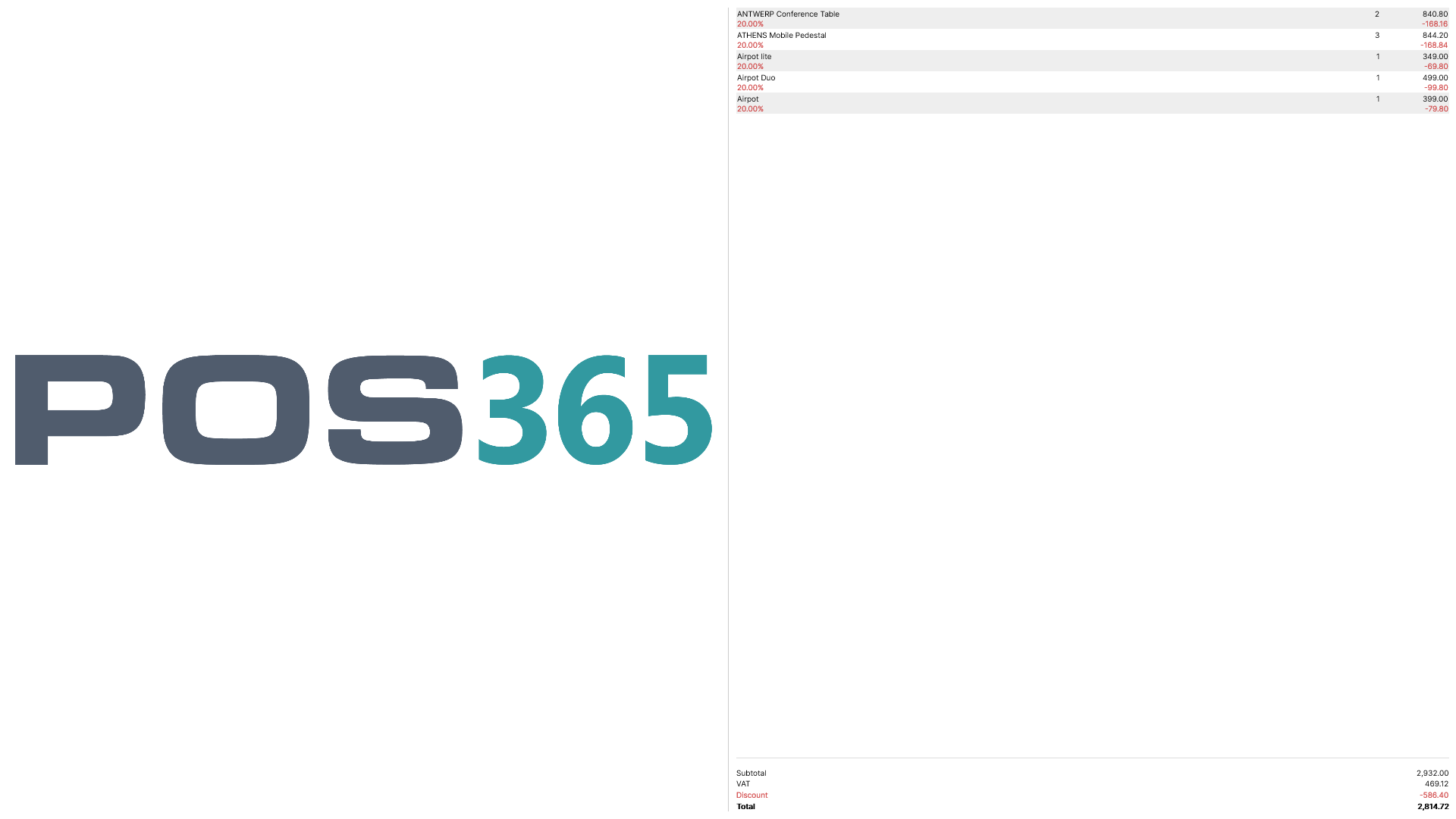
Example of screen customer display:
how to enable disable a customer display screen

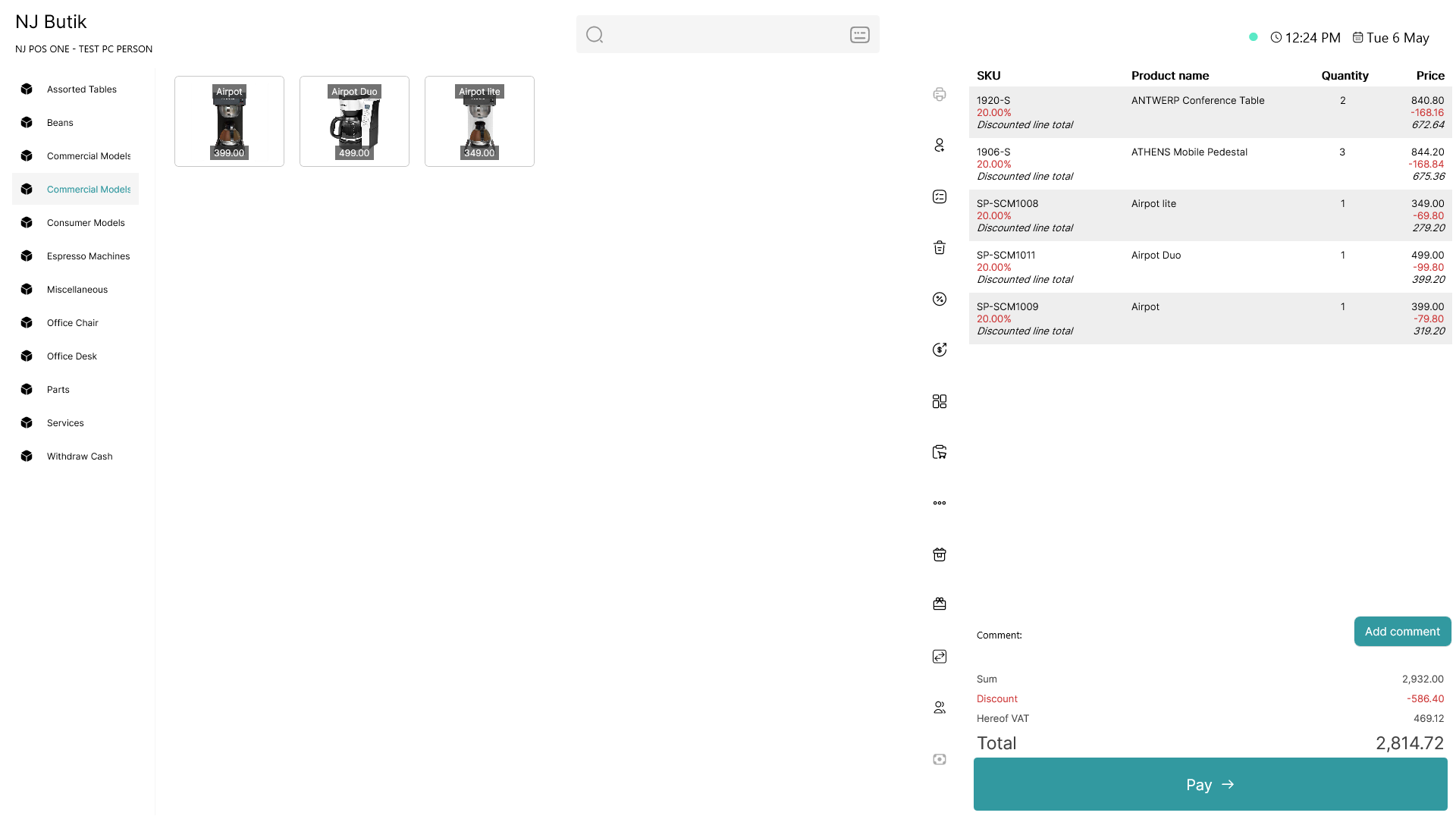
The corresponding POS screen:

how to enable disable a customer display screen