This guide explains how to edit the quantity of specific items added to the basket in POS365.
Step 1:
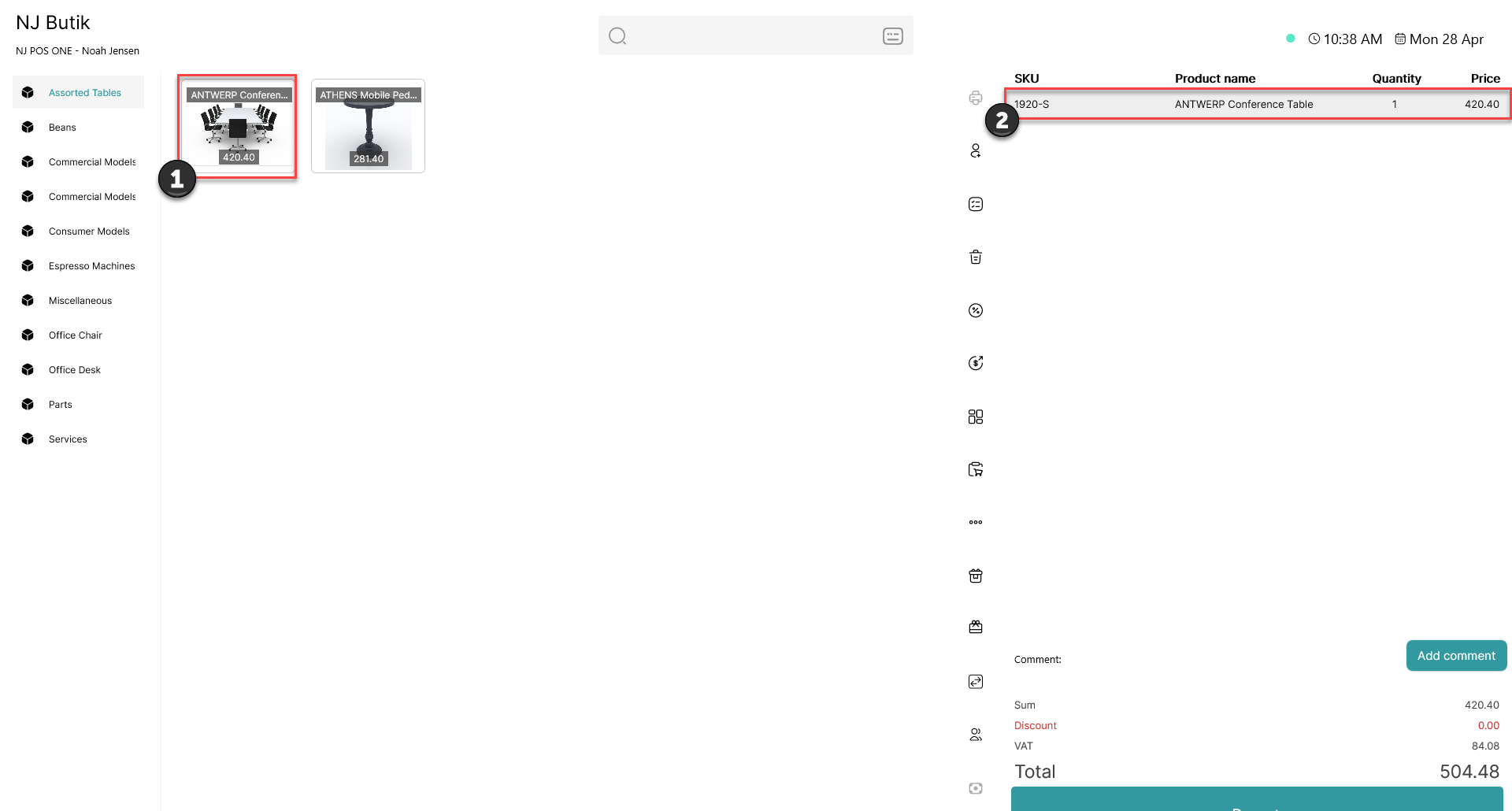
1) Add an item to the basket
2) Click on the item in the basket
Step 2:
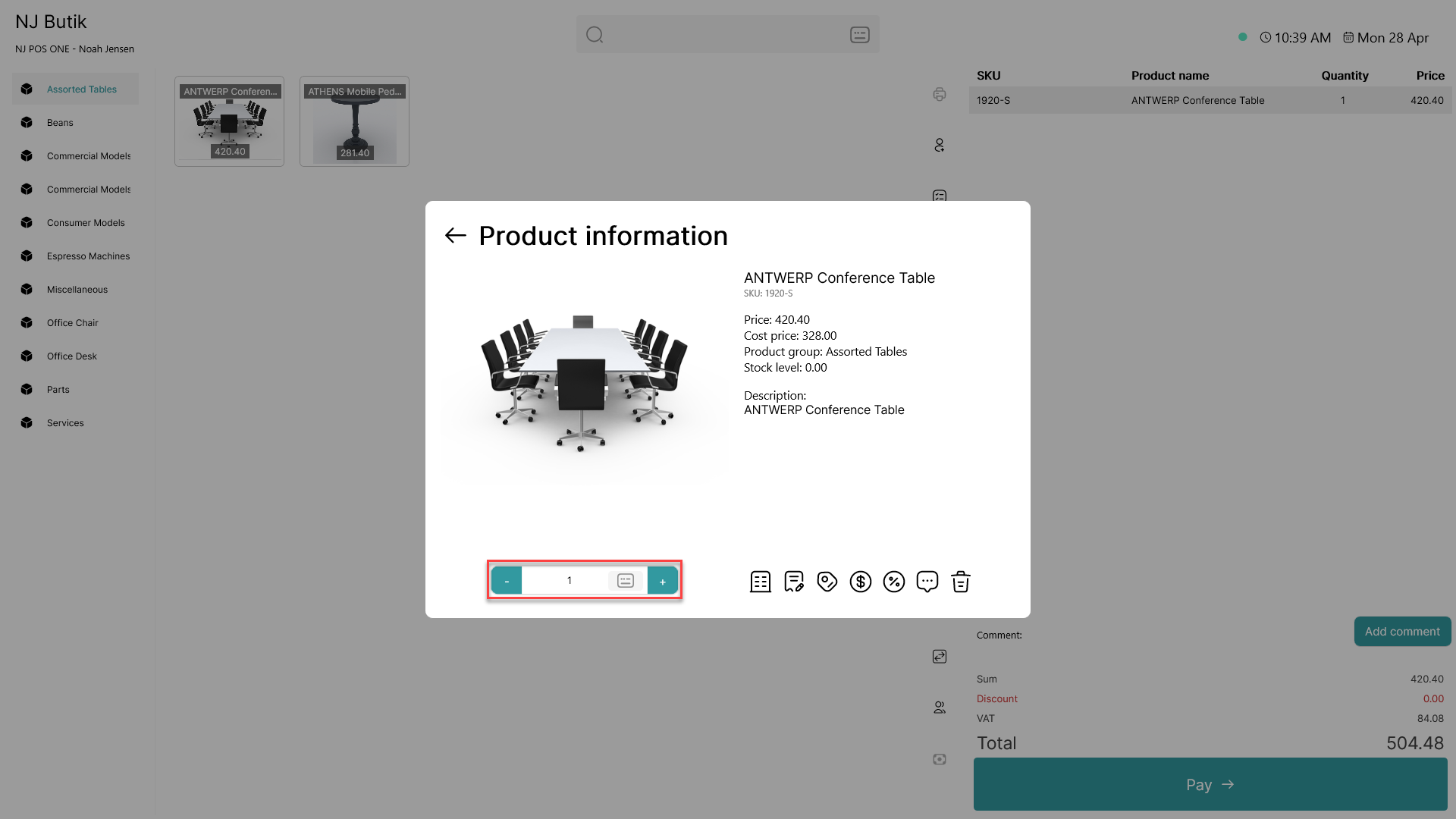
Use the '+' or '-' to add or deduct one item from the basket. Click on the number to type in the desired amount