This guide explains how to merge a saved sale with items in the basket. For this guide to be followed, please ensure that you have already saved a sale by following this guide: How to - Save a sale
Step 1:
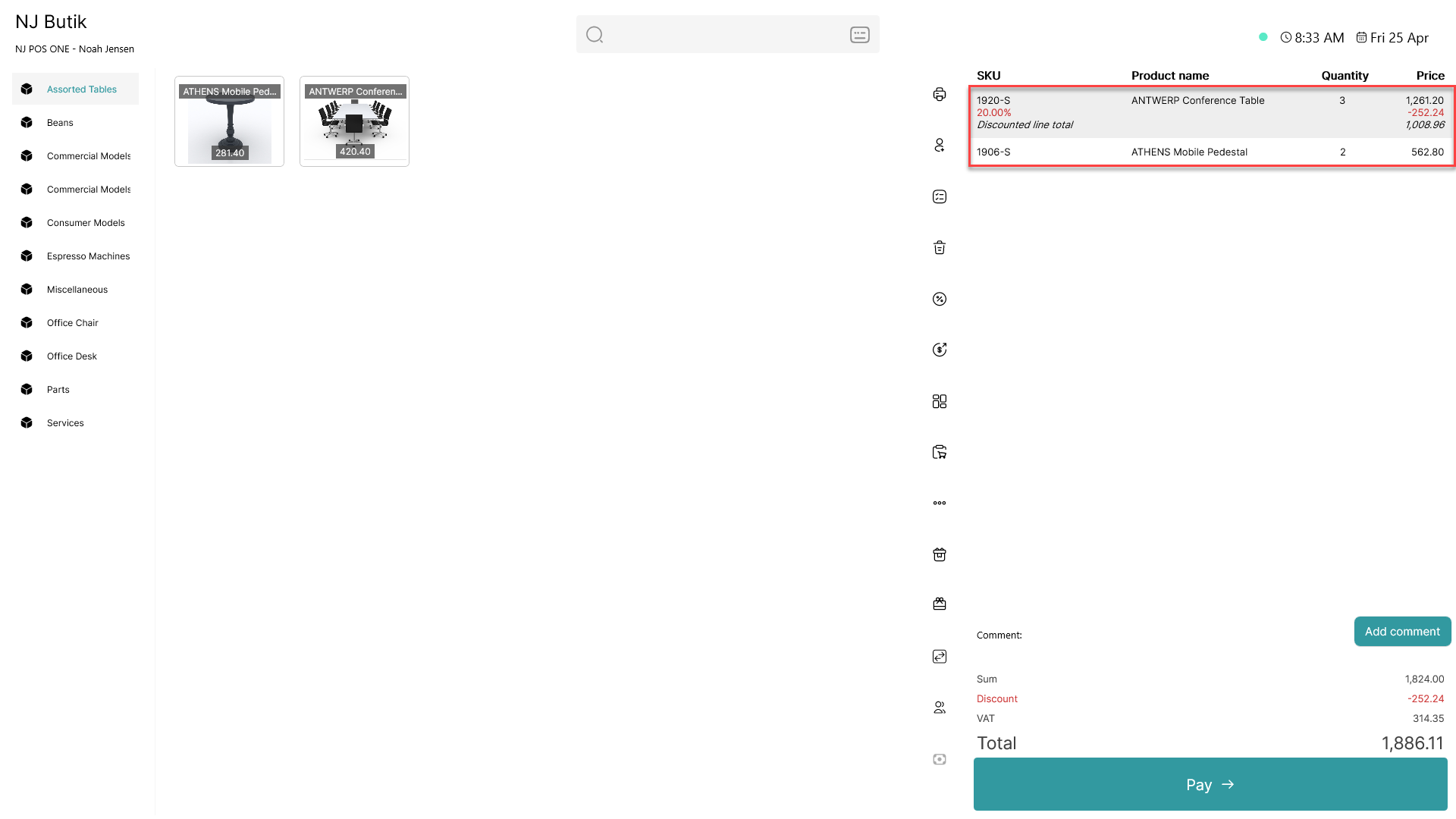
Add items to the basket
Step 2:
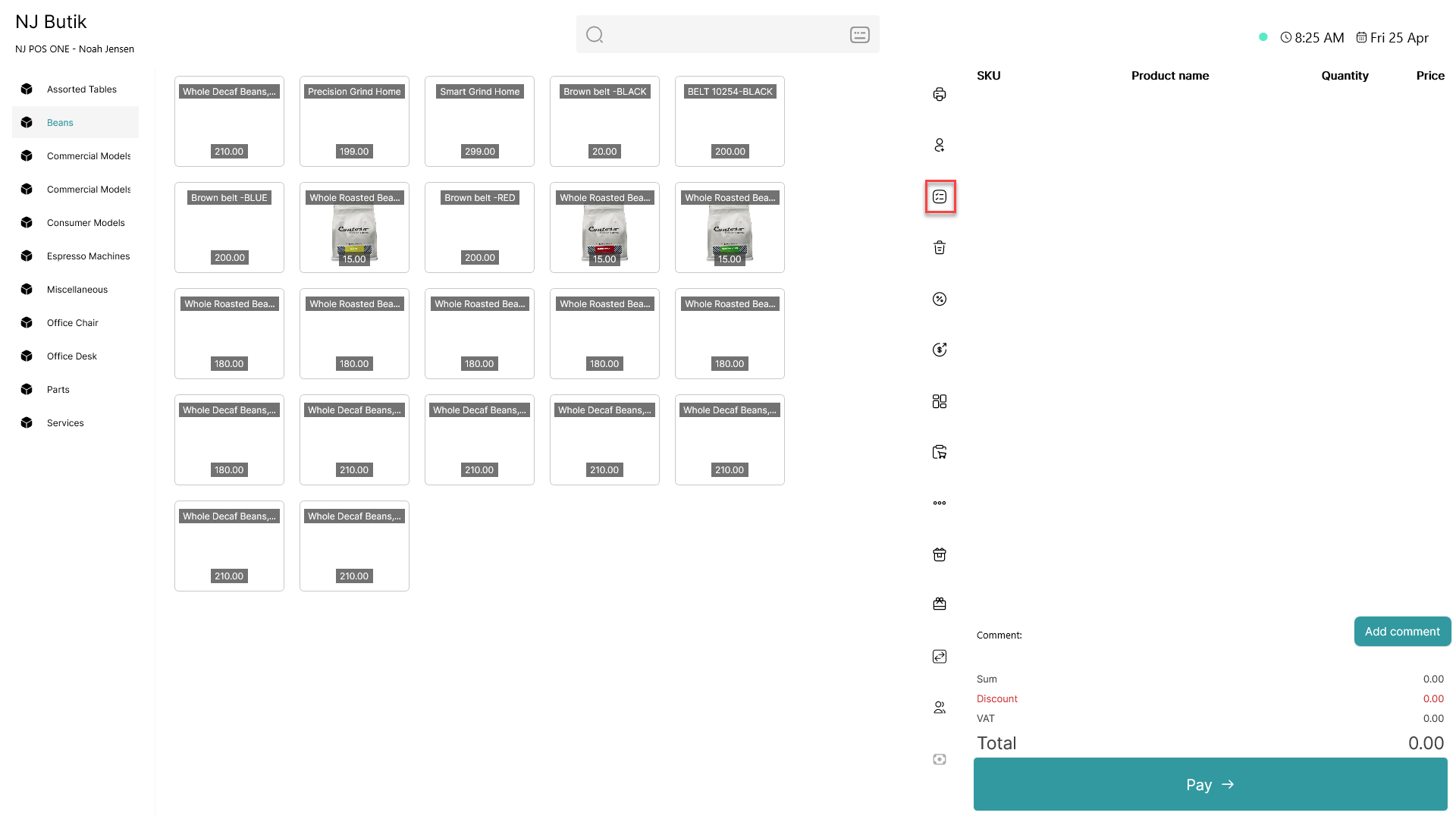
Click on the  - button
Step 3:
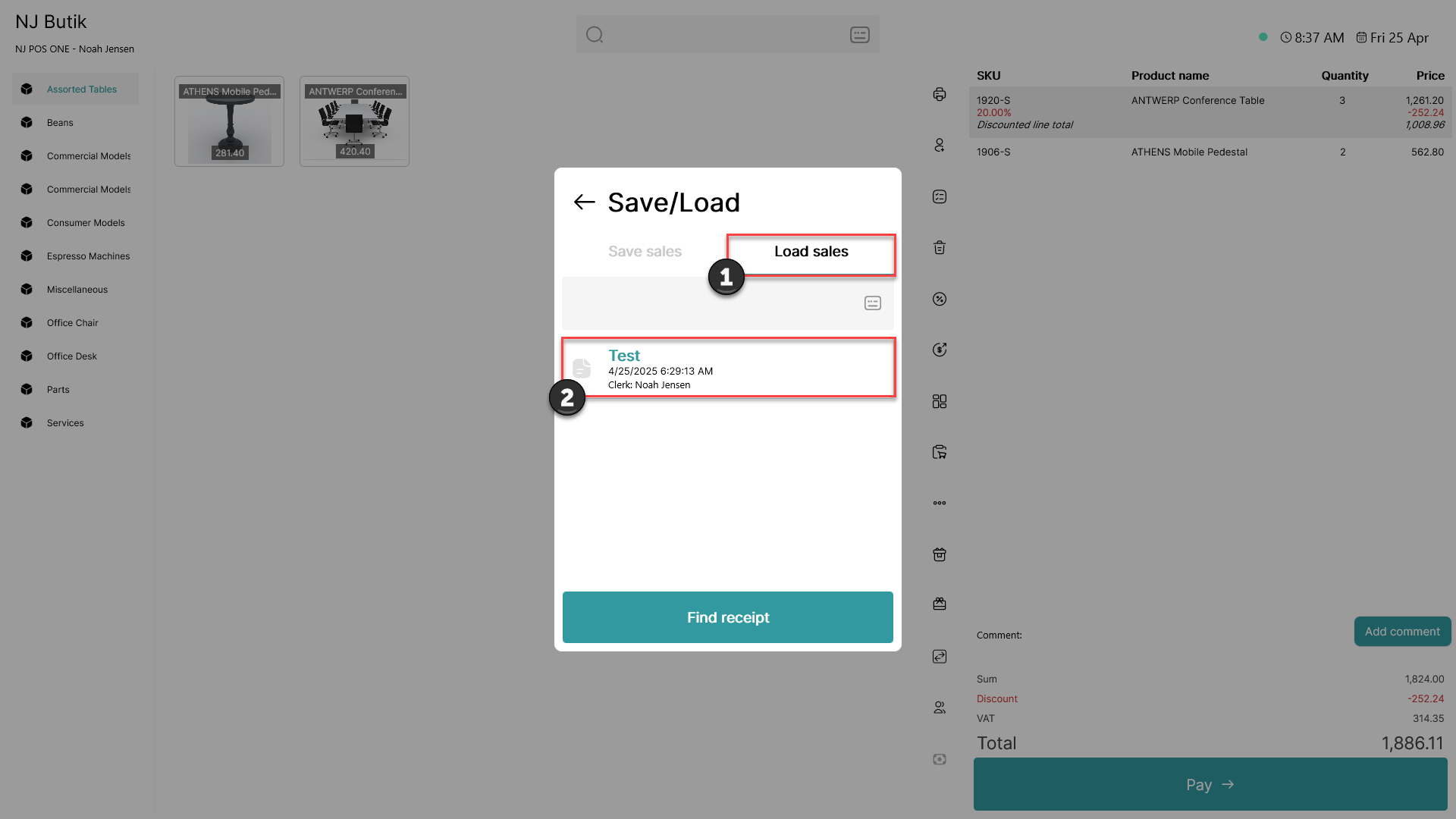
1) Click on 'Load sales'
2) Find the sale you want to load from the list and click on it
Step 4:
A pop-up window will appear
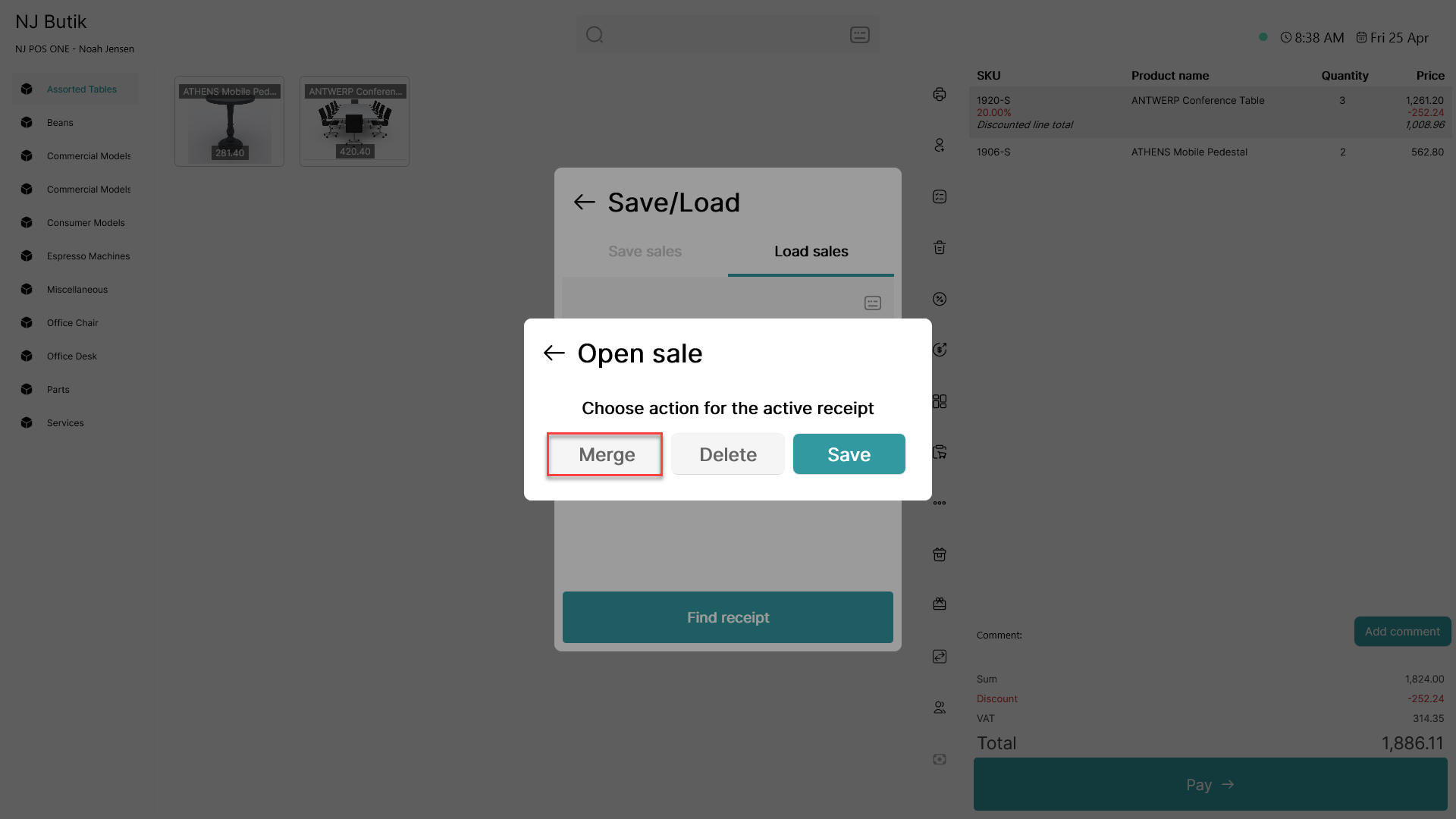
Click 'Merge'
Step 5:
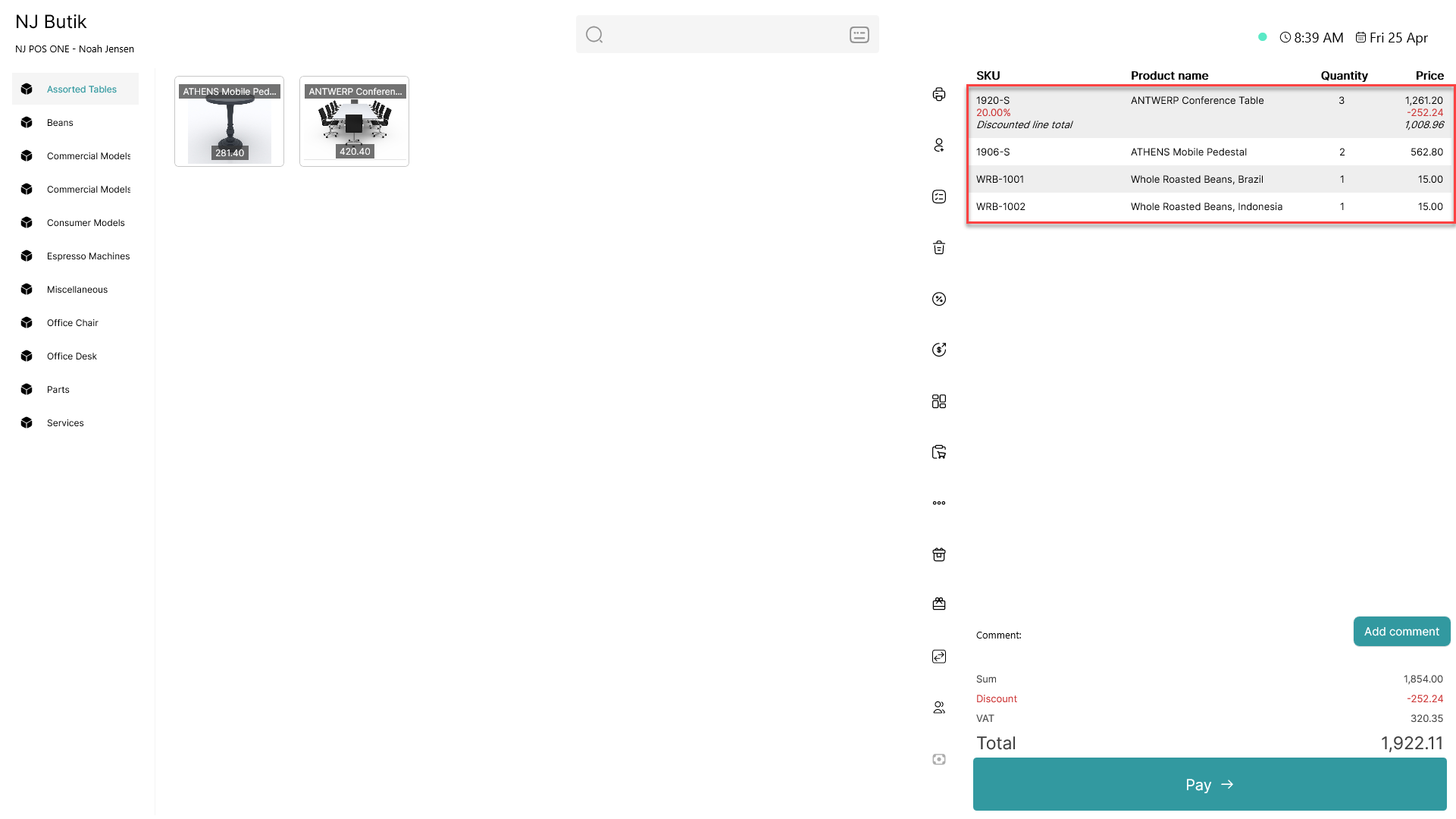
The items have now been added to the already existing basket