This guide explains how to toggle the auto print function of receipts in the POS365 app
The auto print function can be toggled in two different ways in the POS365 app:
1) From the front page
2) In POS365 settings
Front page:
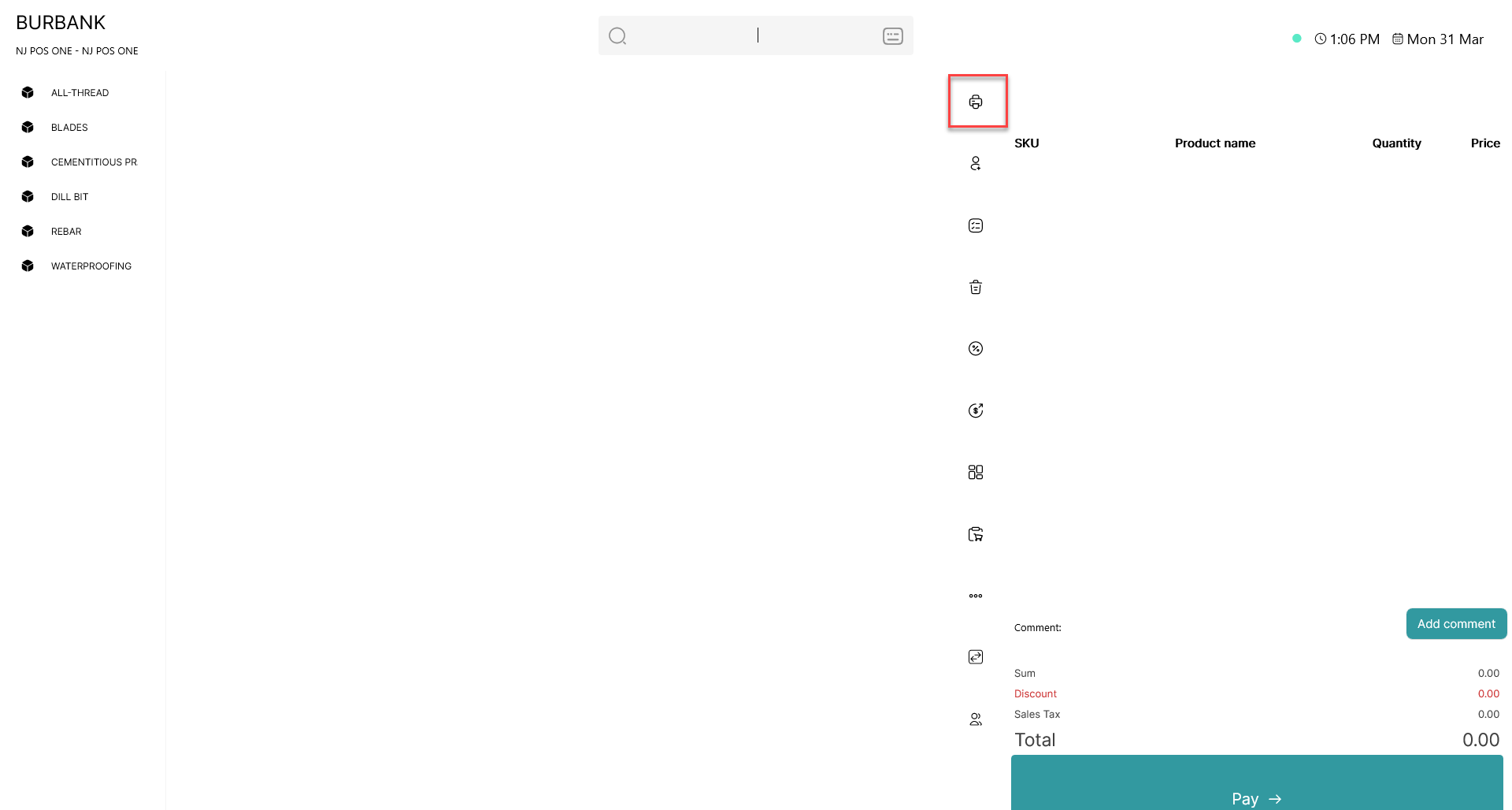
Click on the  - button
POS365 settings:
Step 1:
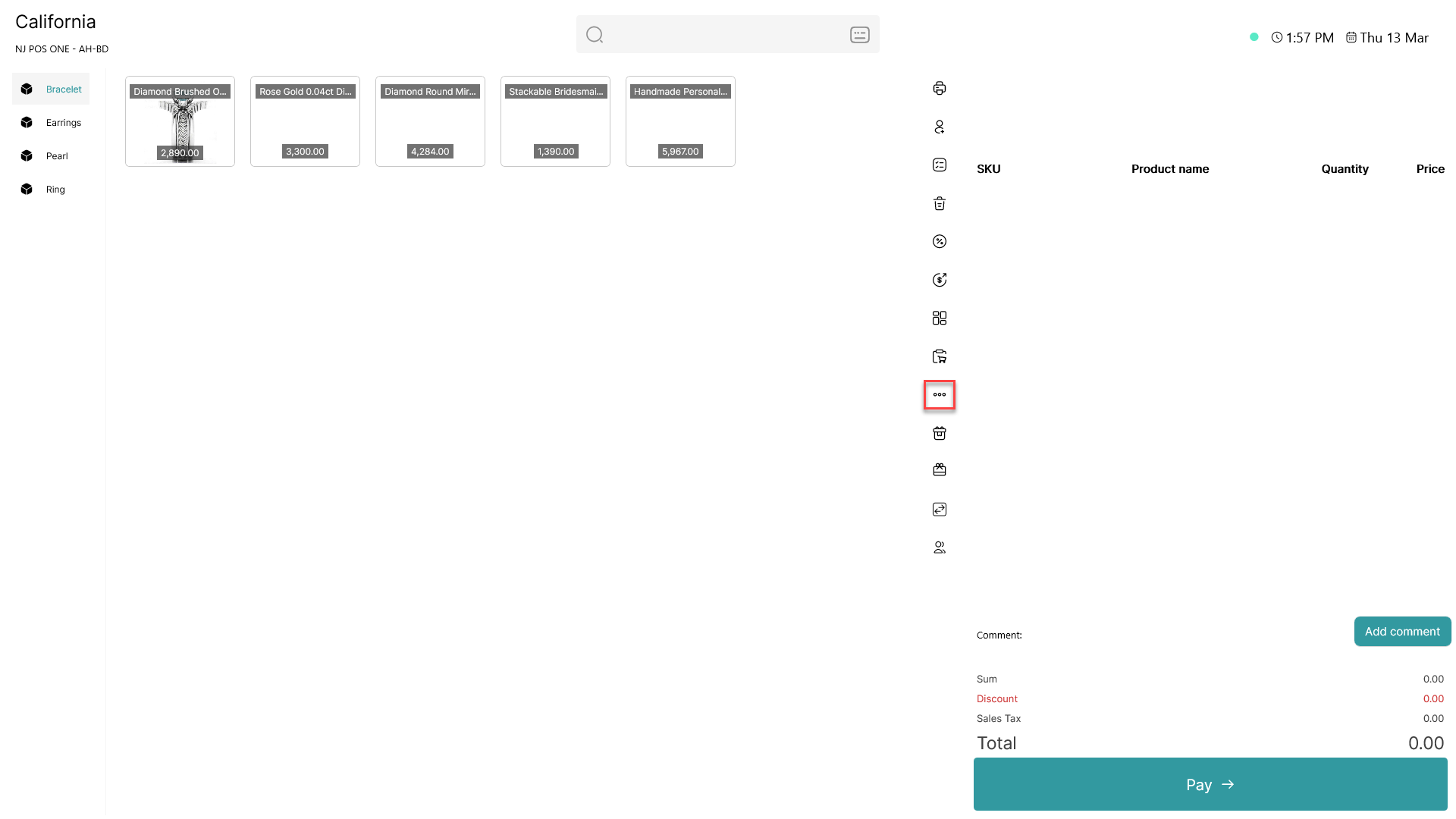
Click on the three dots ( - button) to access more options
Step 2:
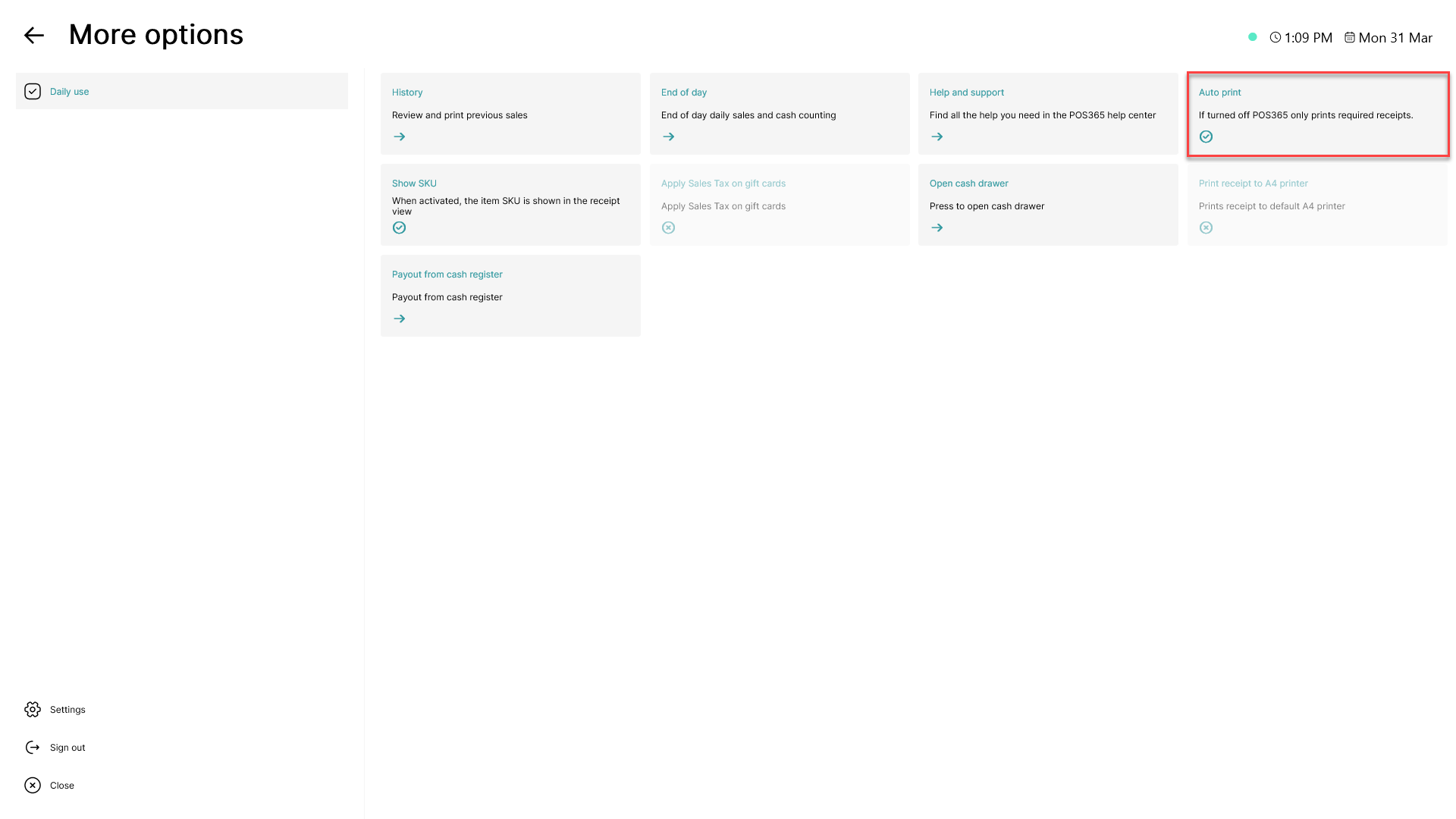
Click on the 'Auto print' button
Note:
If the button is faded, auto print is turned off
If auto print is disabled, POS365 will prompt you for action (Print or close) at the end of every sale.