This guide explains how to print an old receipt. To access old receipts in POS365, follow this guide:
How to - Access and old receipt in POS365
Once you have found the receipt you want to print:
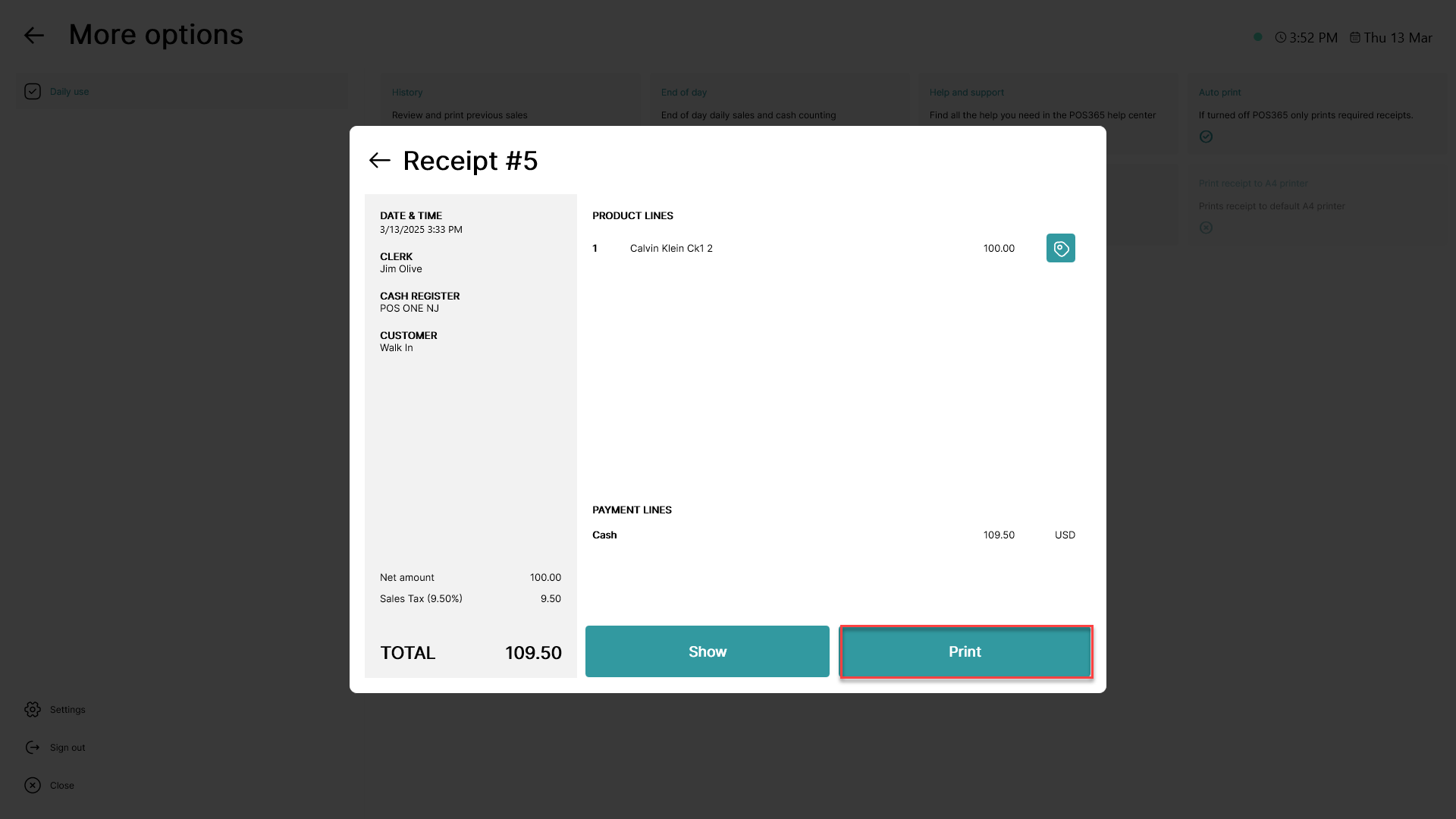 Click on 'Print'
Note: To print a receipt, a printer must be connected to the POS365 app.
Printer connection can be established by following this guide: How to - Enable a receipt printer in POS365