This guide explains how to add a discount to a specific item in the basket based on a cash amount
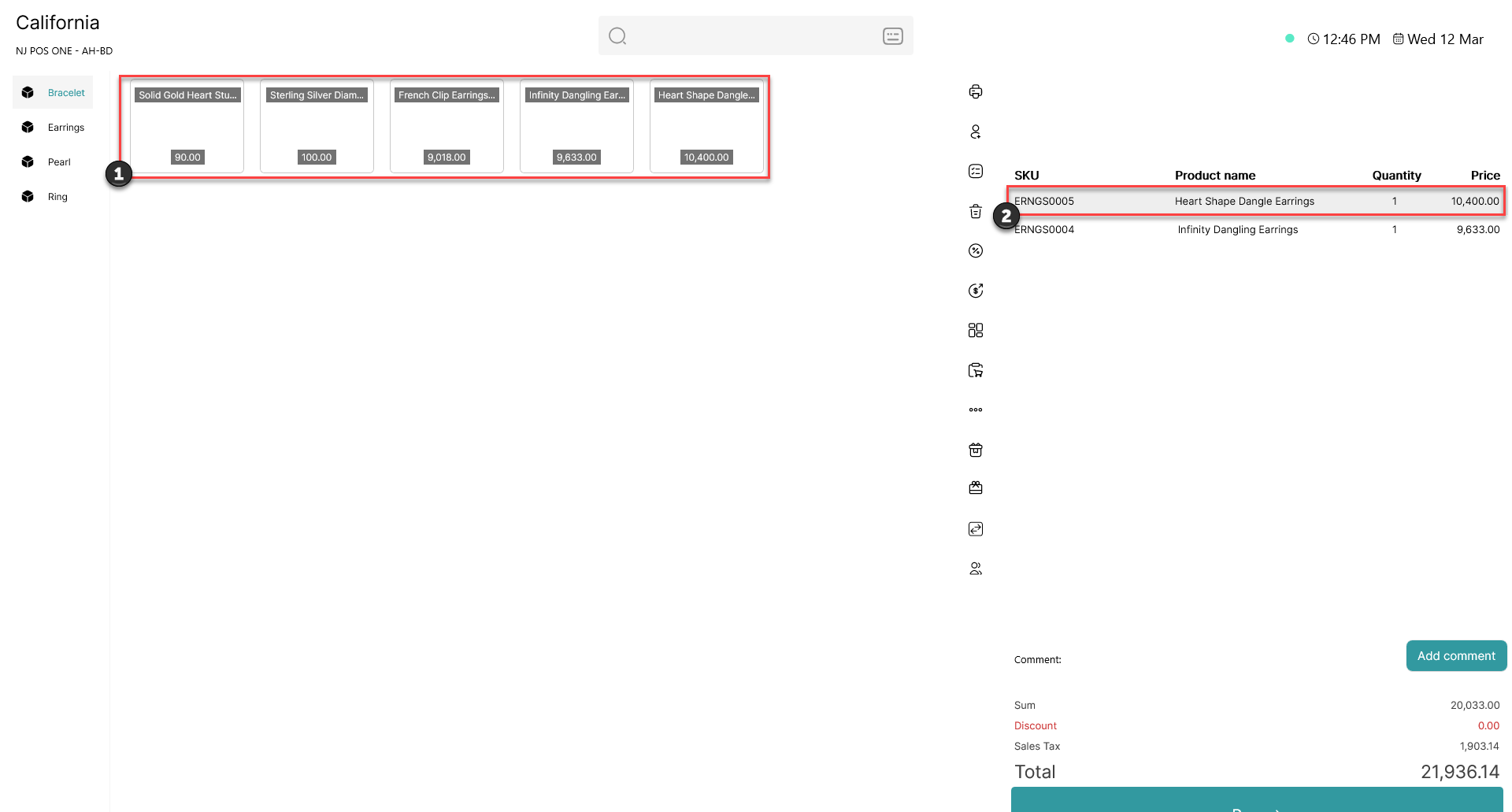
1) Add item(s) to the basket
2) Click on the item you want to add a discount to
This pop-up window will open
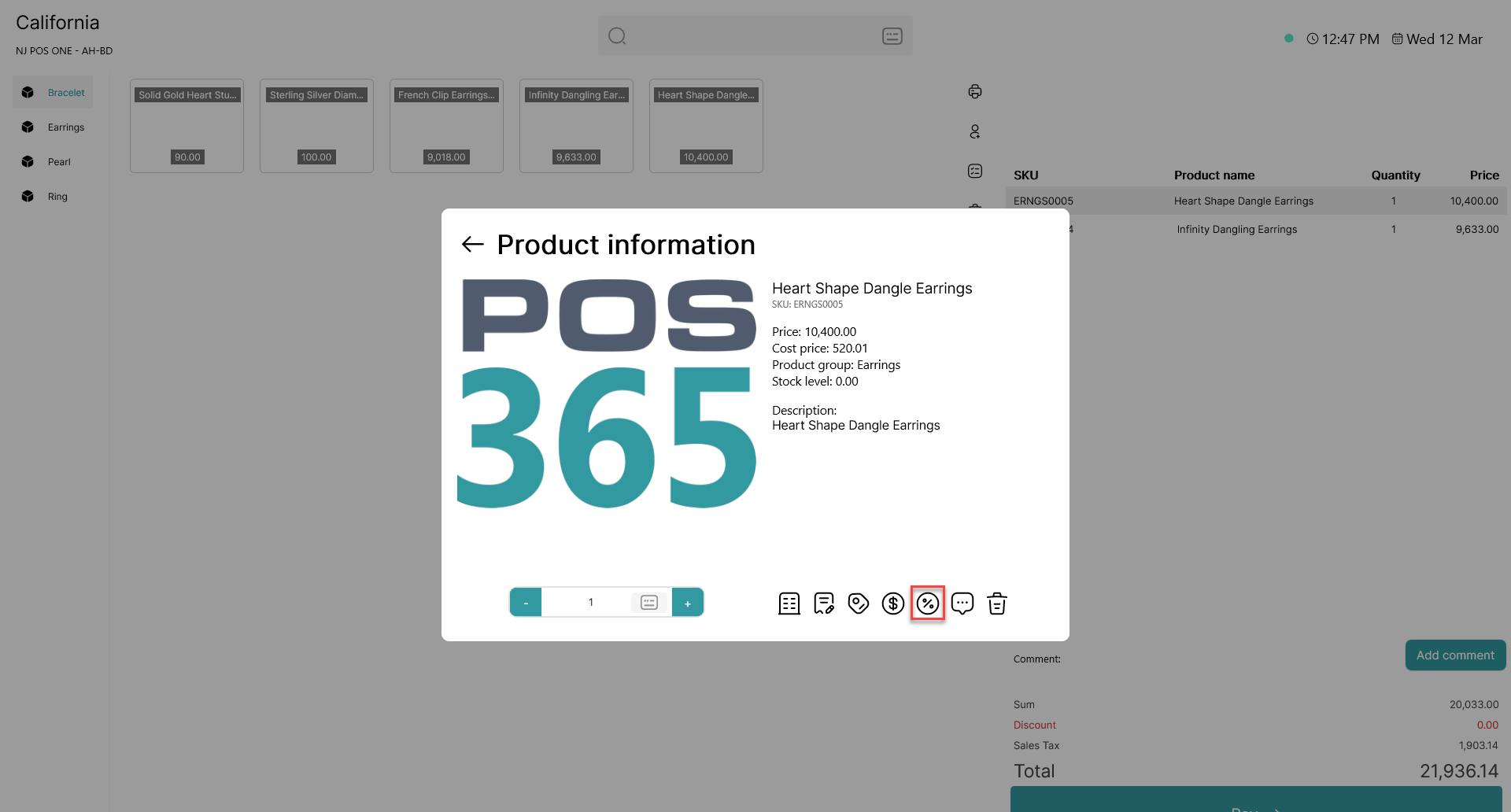
Click on 
This pop-up window will open
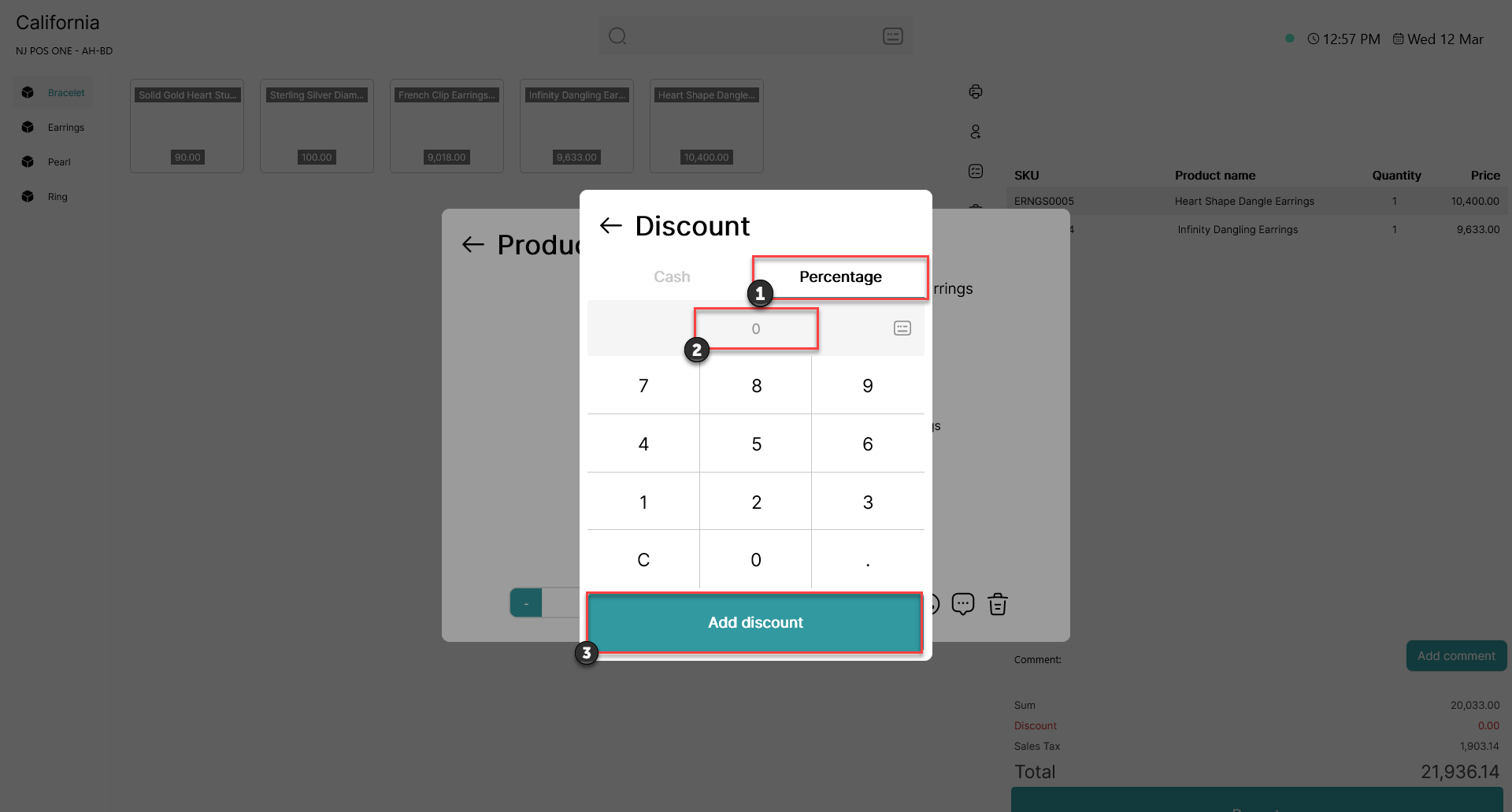
1) Click on 'Percentage' (As standard, the window will open in percentage mode)
2) Enter the desired cash discount (either using a keyboard or the numeral pad on the screen)
3) Click 'Add discount'
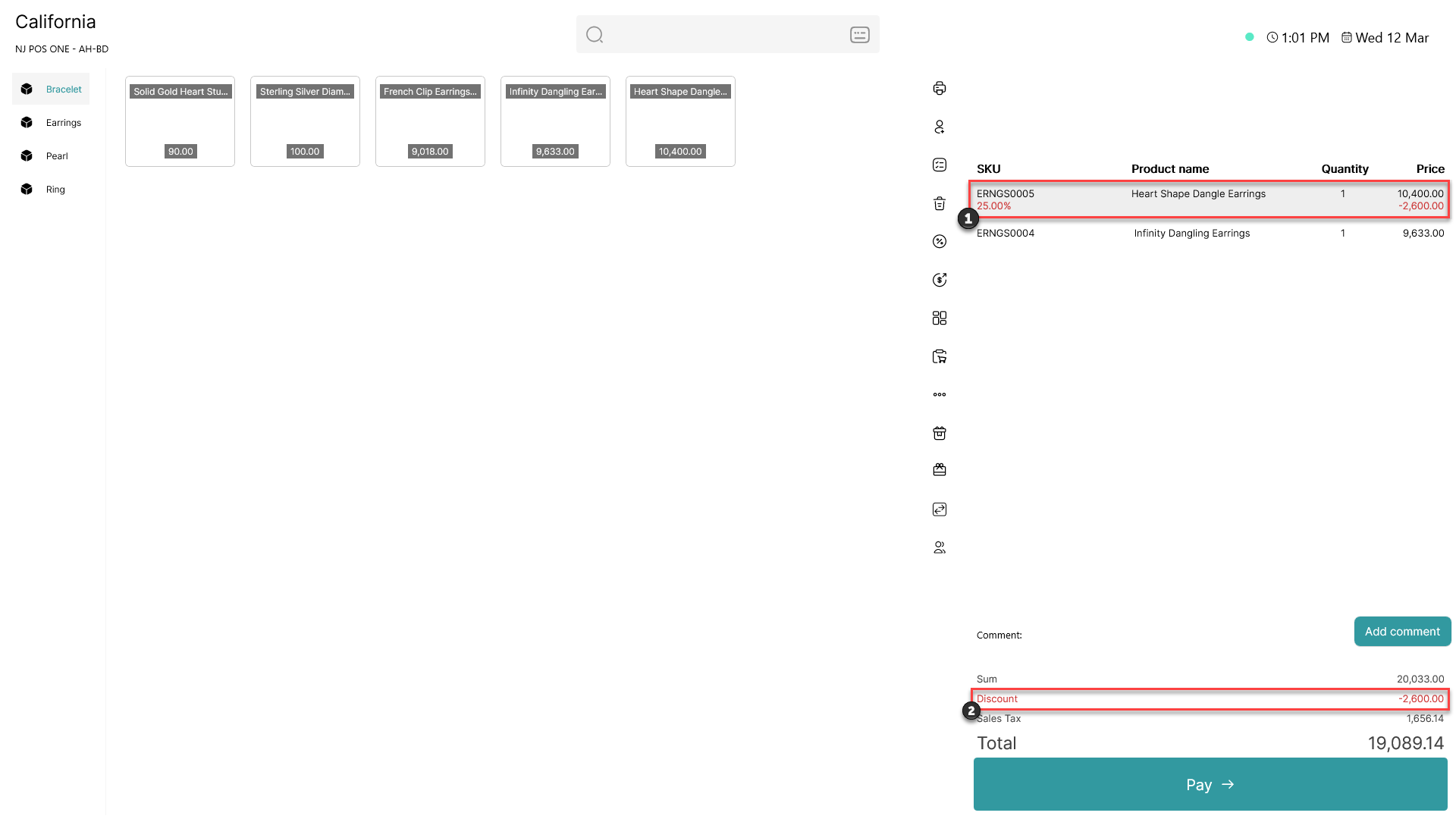
1) The percentage discount on the item will appear under the item in the basket
2) The line discount will also be added to the total discount at the bottom of the screen