This guide explains how to access different item categories (added in Business Central) in the POS365 app
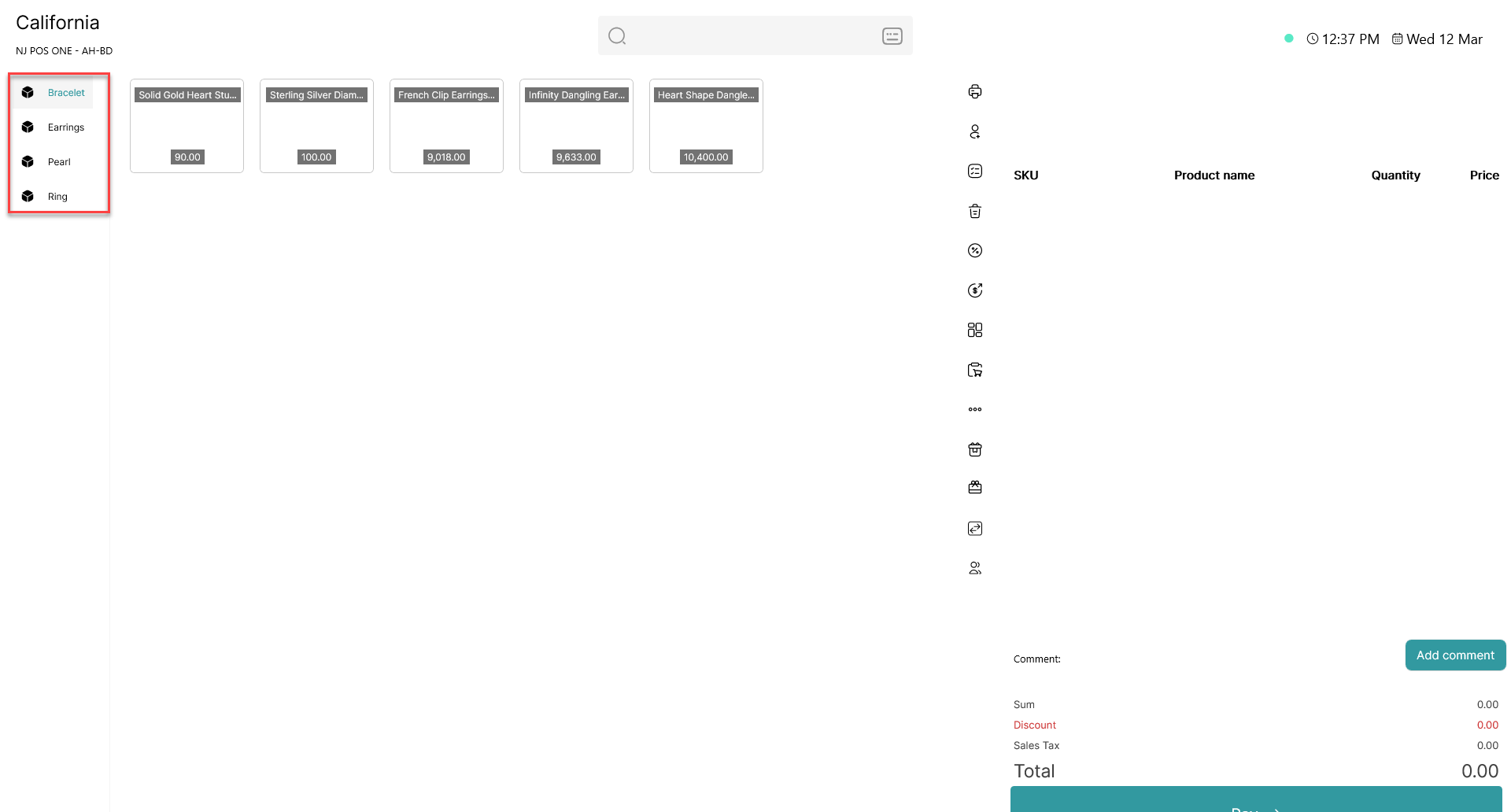
By clicking a category name in the left side of POS365, you can access the added item categories.
Note: First time you access an item category, you will most likely meet a loading screen as the system is loading all items in the item category at once, which will be saved for later.