This guide shows you how to access a list of all customers added to the POS365 app
Step 1:
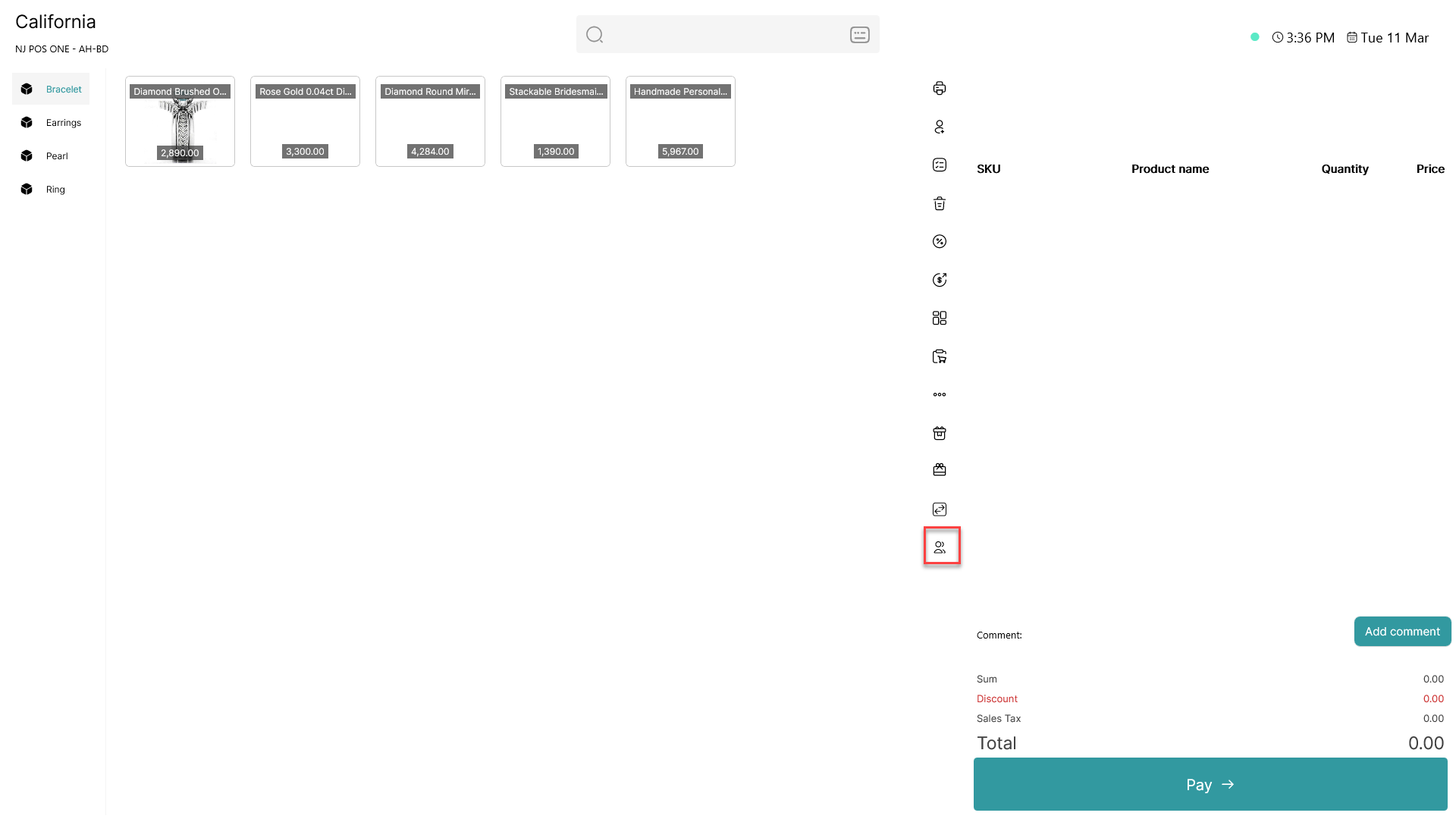
Click on the " " icon
Step 2:
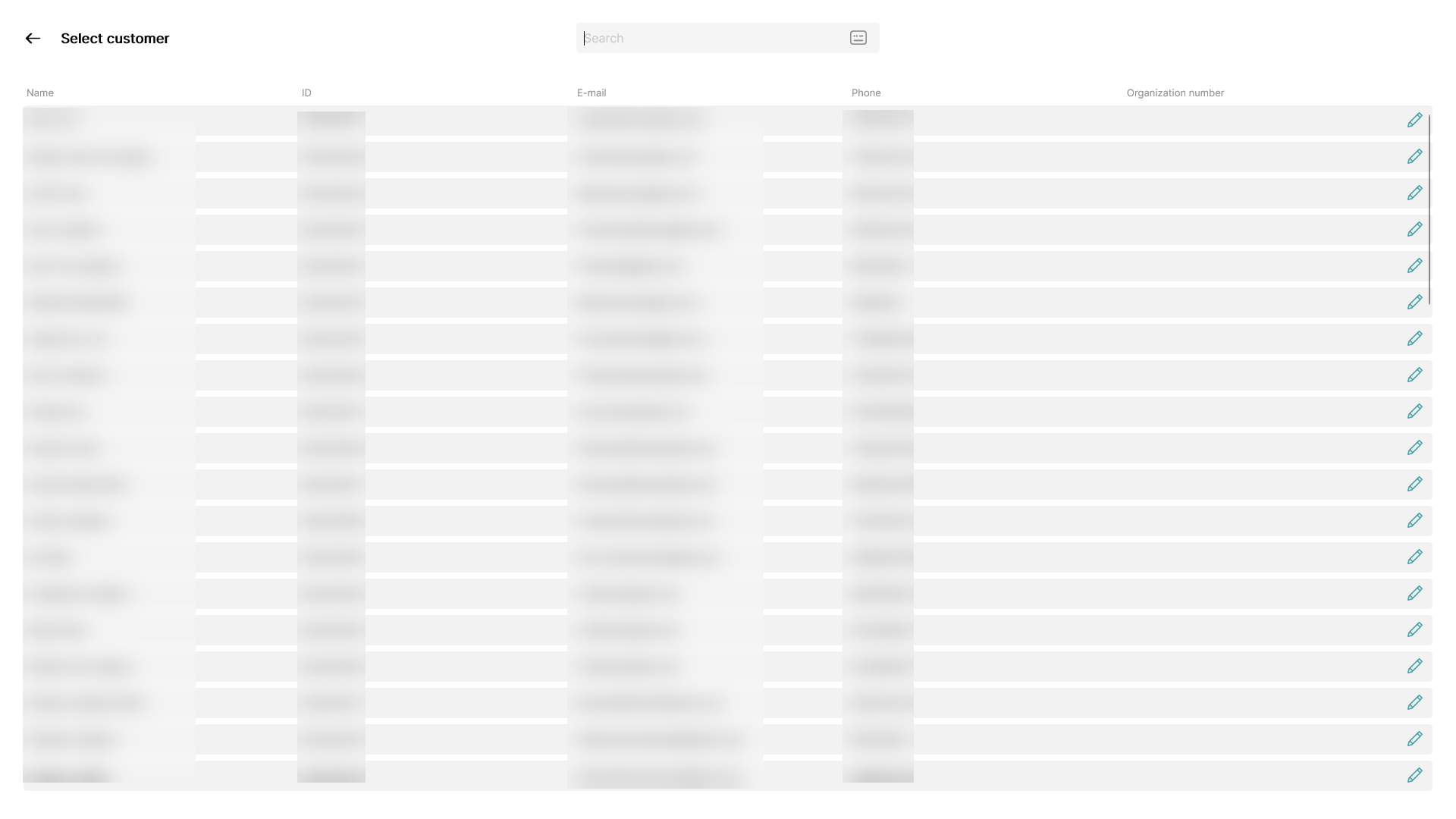
The customers added to POS365 will be shown on a list with the following informations:
- Name
- ID
- Phone number
- Organization number (if provided)