Subpayment type on different card types
In this guide, we will go through the option to categorize payment types for card payments.
In this guide, we will go through the option to categorize payment types for card payments. This allows you to see how much money is received via specific card types and redirect those to a specific account.
The setup is made on existing
payment types
. Make sure to have made that setup prior to following this guide.
Step 1:

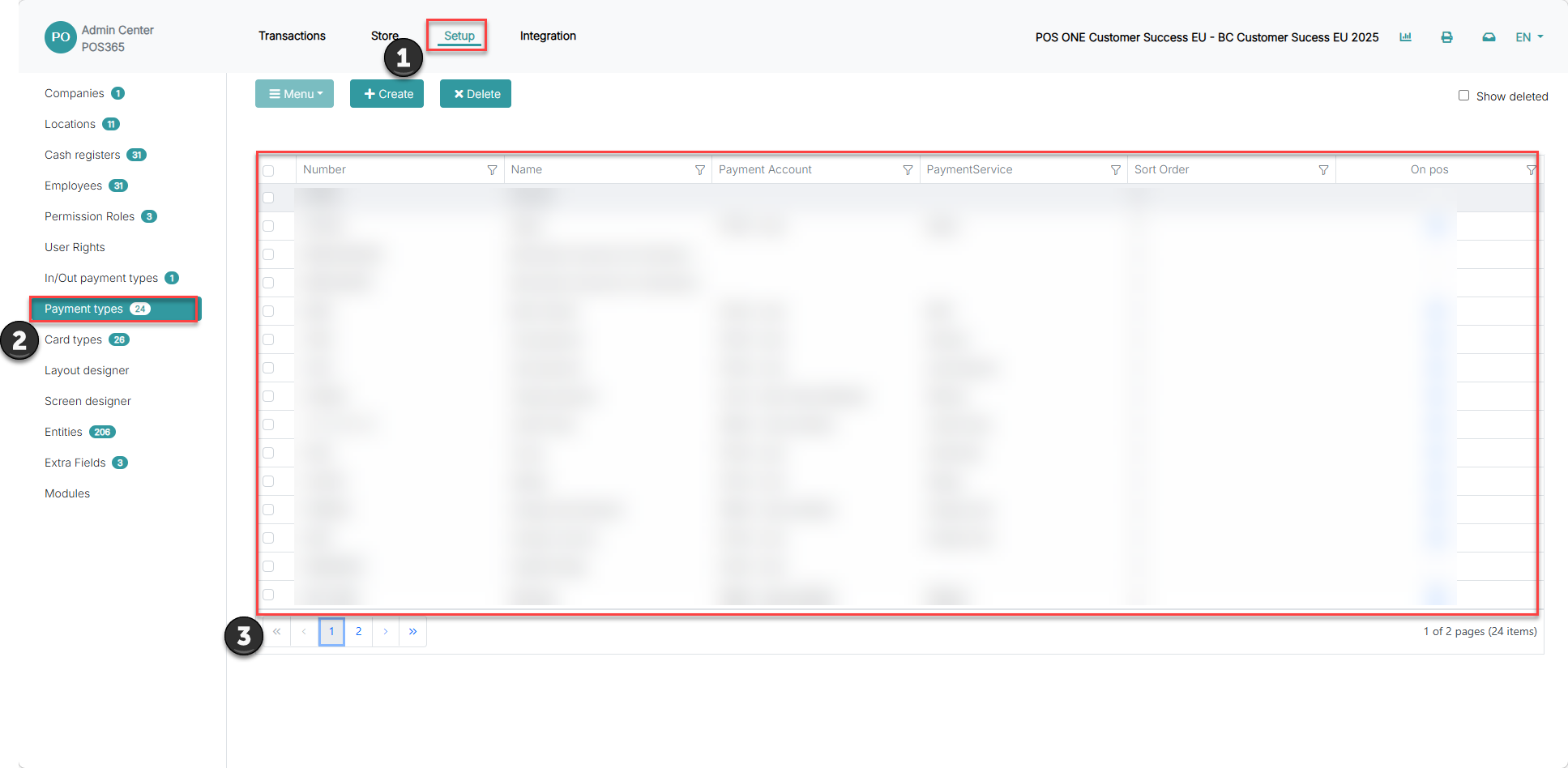
1) Go to 'Setup'
2) Click on 'Payment types'
3) Search for, and select the payment type you have designated for card payments
Step 2:
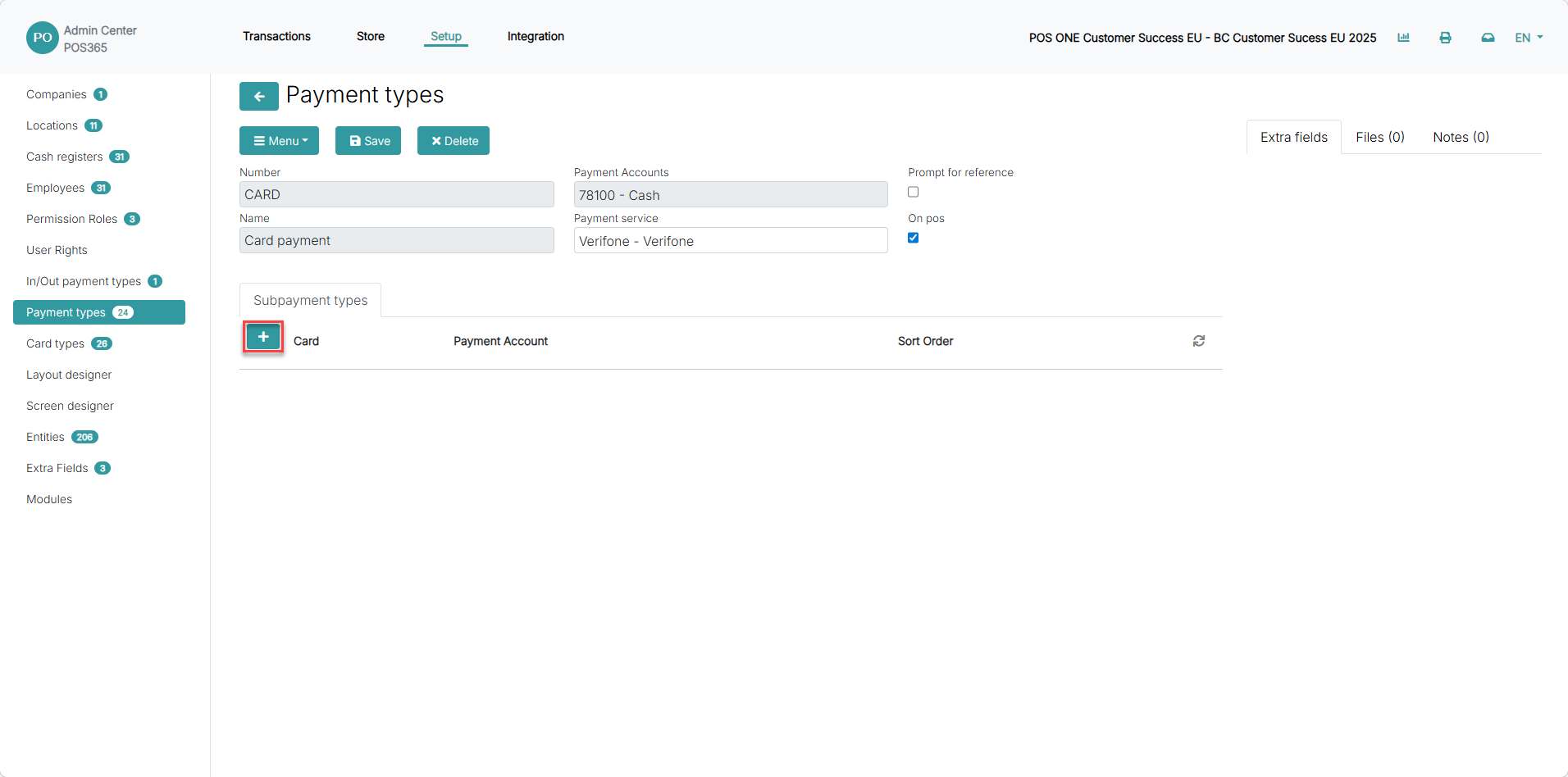
Now choose the '+' symbol to add a subpayment type.
Step 3:
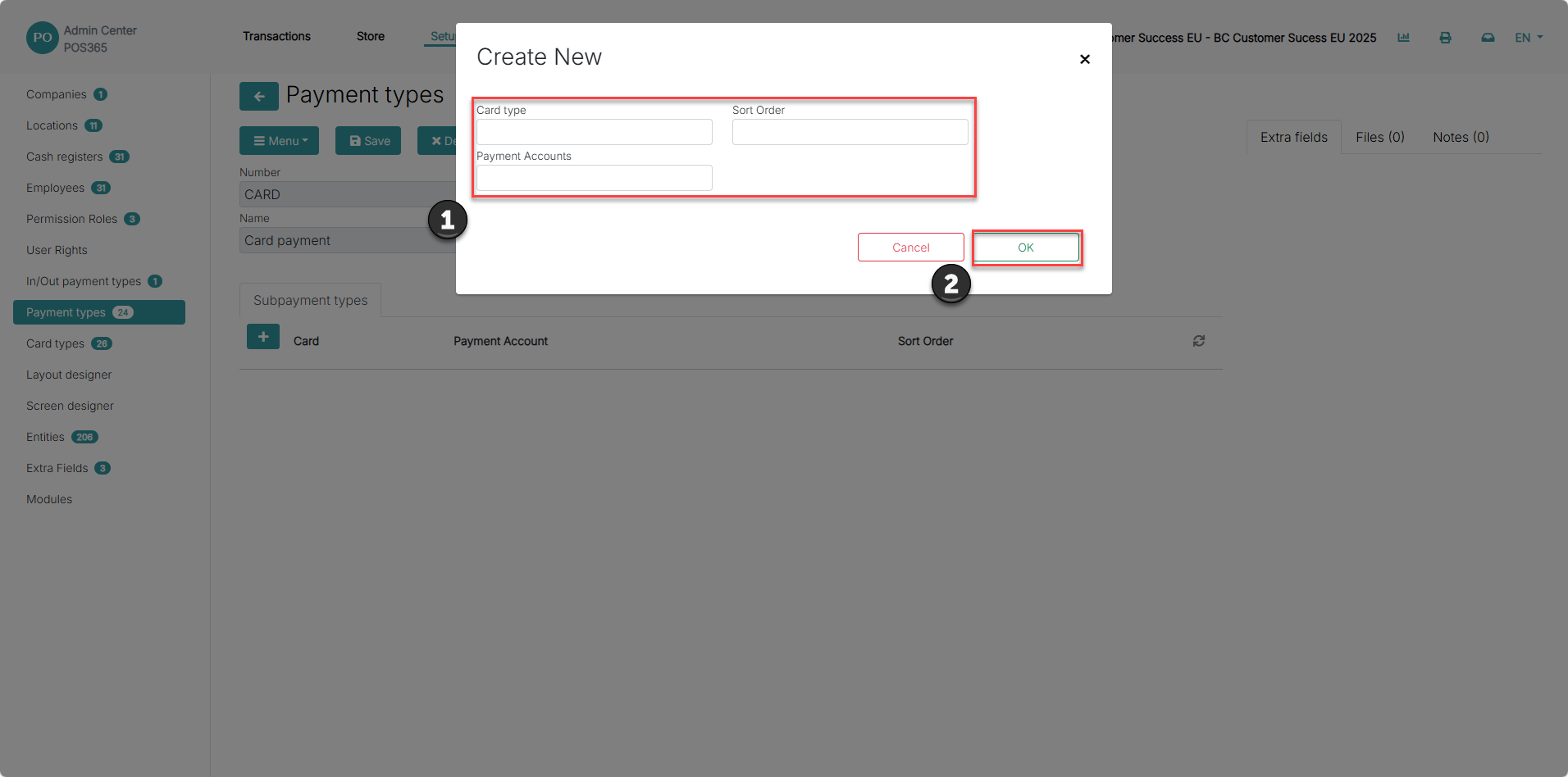
1) Fill in information regarding the subpayment type
2) Click 'OK'
Card type: Specifies the specific type of card that you want to redirect to an account
Payment accounts: Specifies which account you want the selected card type to be posted to
Sort order: Defines the priority of inputs from card payments. The first input that partly matches the card type will have an account defined first. If a card input/name is X/Y, and the card with sort order 1 is Y, the payment will be directed to the payment account assigned to Y rather than X (if X has a higher sort order than Y)