In this guide we'll look at how to add funds to an existing gift card.
Step 1.
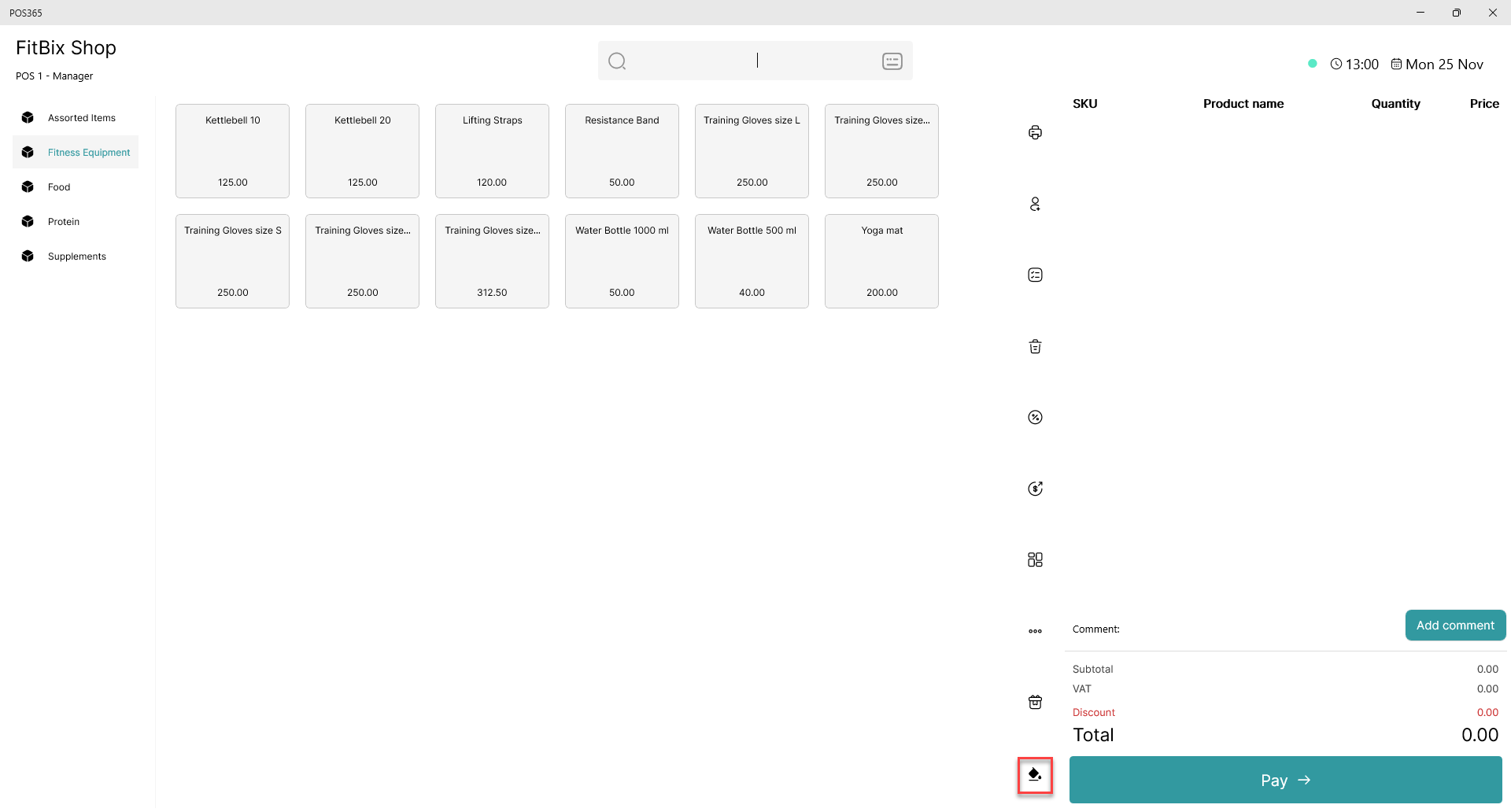
Step 2.
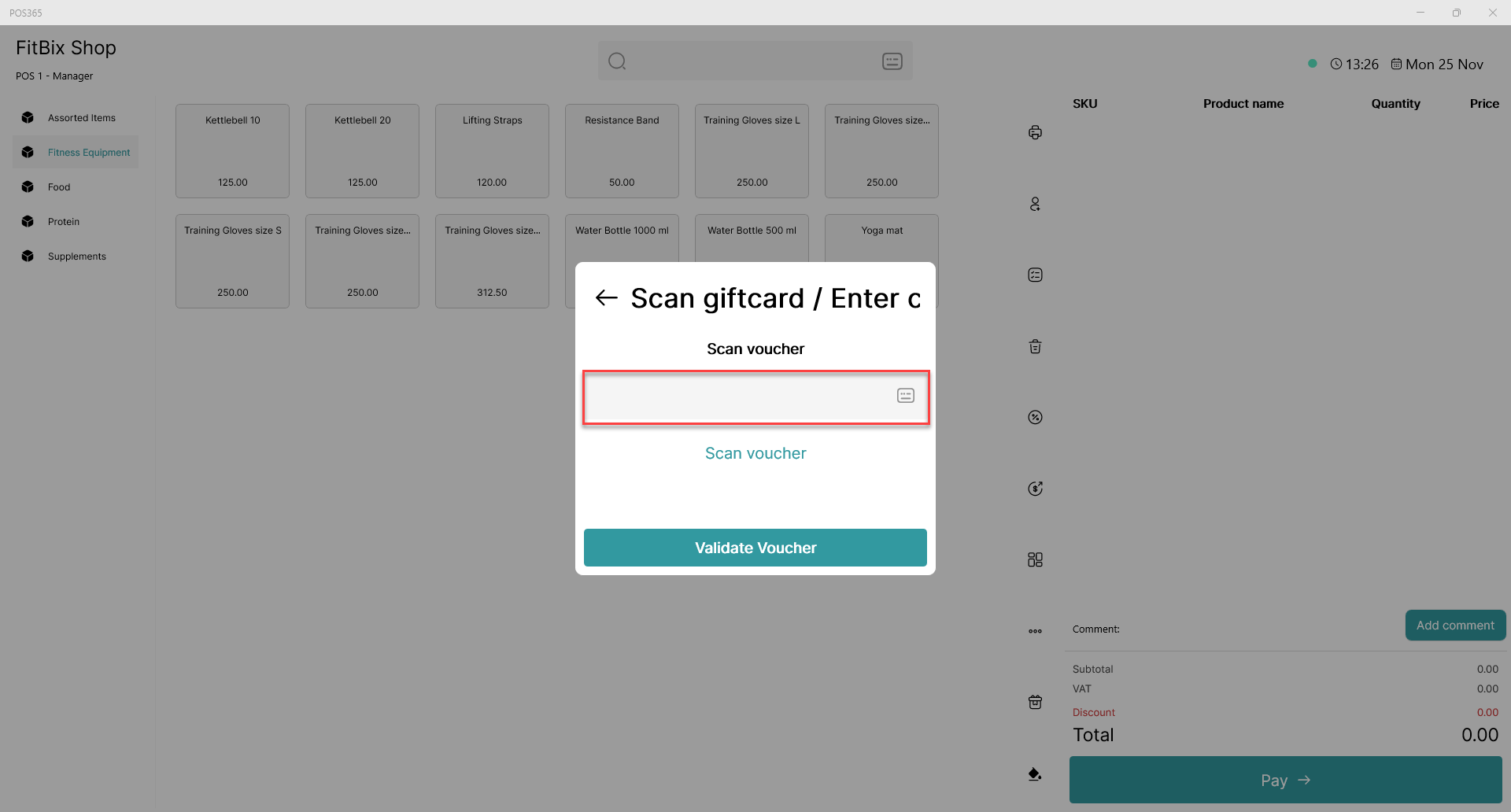
Scan the QR-code, or write the redemption code manually in the box.
Step 3.
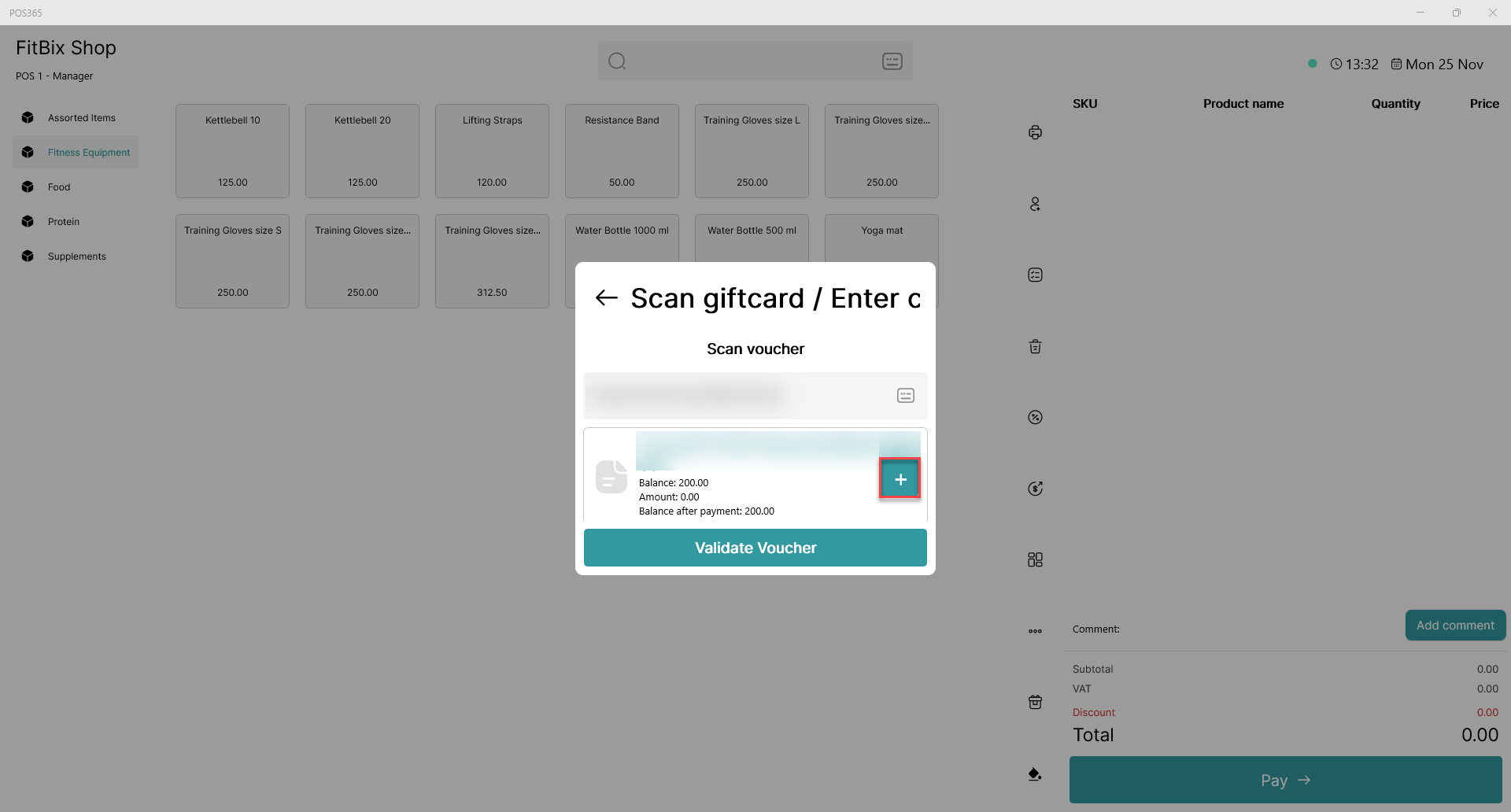
Validate the correct gift card/voucher by pressing the "+" symbol.
Step 4.
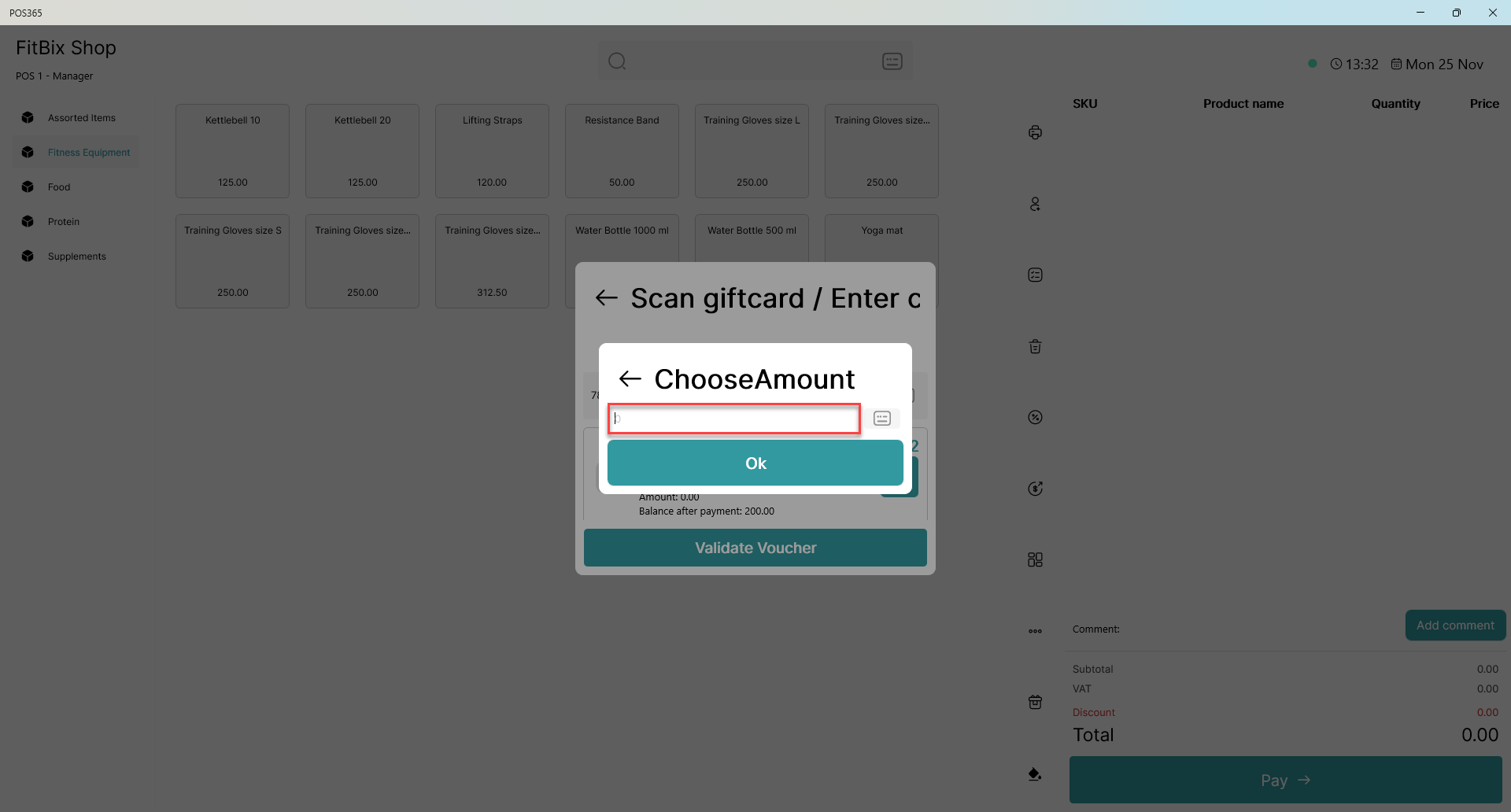
The amount is added once the payment is received.