In this guide, we will show you how to easily find a customer's purchase history in POS365. This applies only for customers who are registered in Business Central.
Step 1:
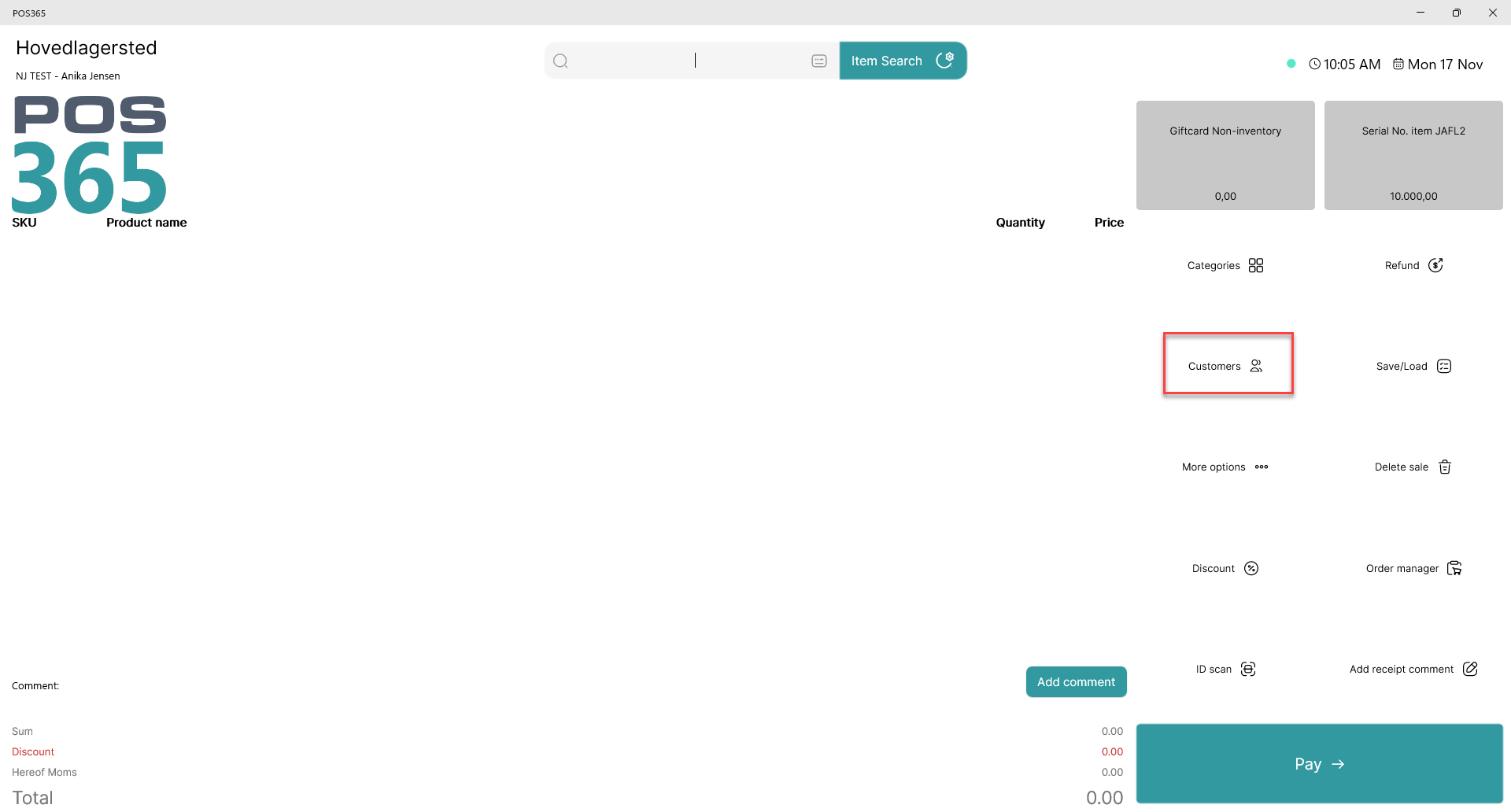
Open the 'Customers' view
Note:
This function can be added or removed through the screen designer
Step 2:
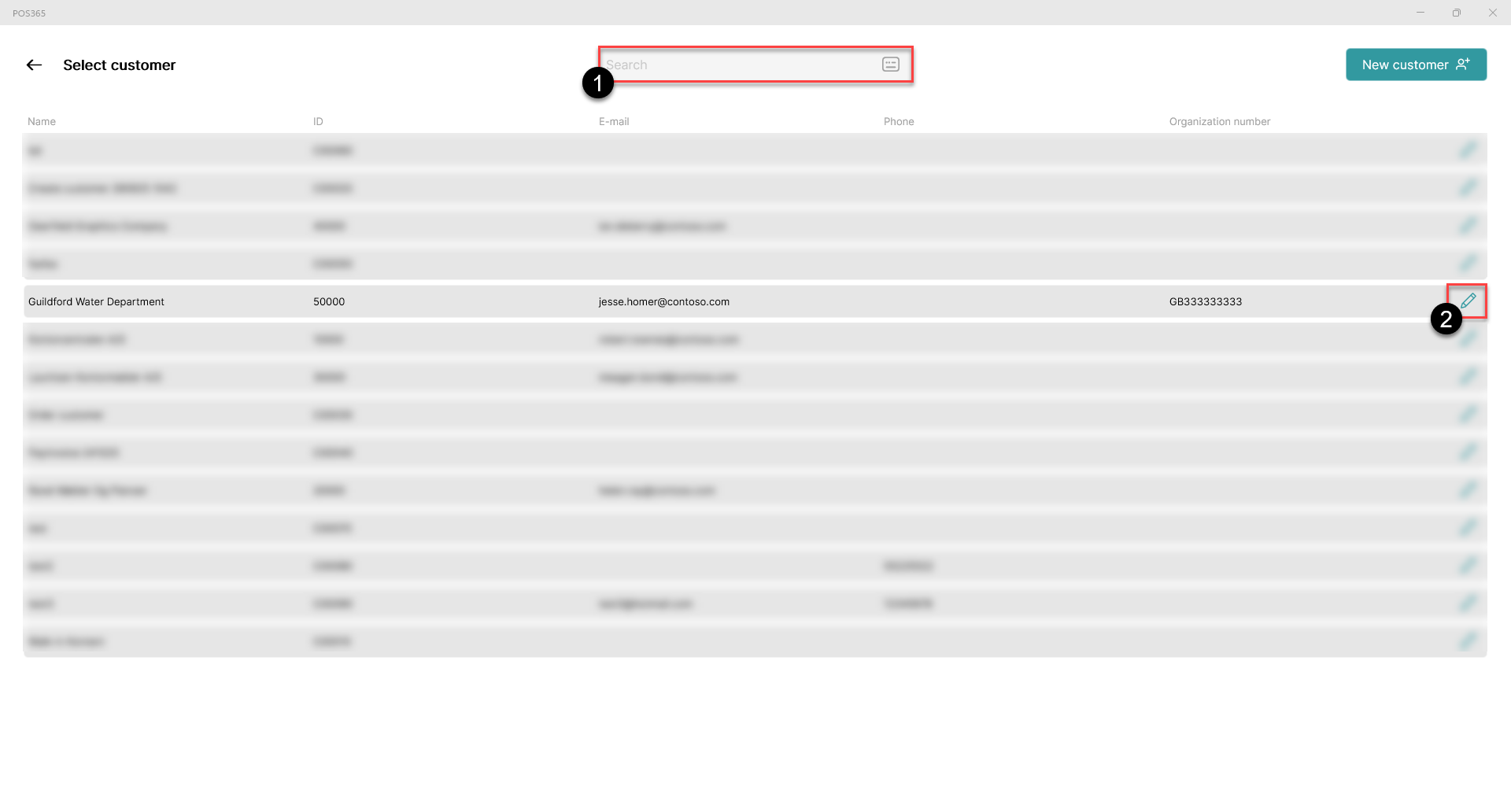
1) Search for the customer or find it on the list of customers
2) Click 'Edit' at the right side of the customer line
Step 3:
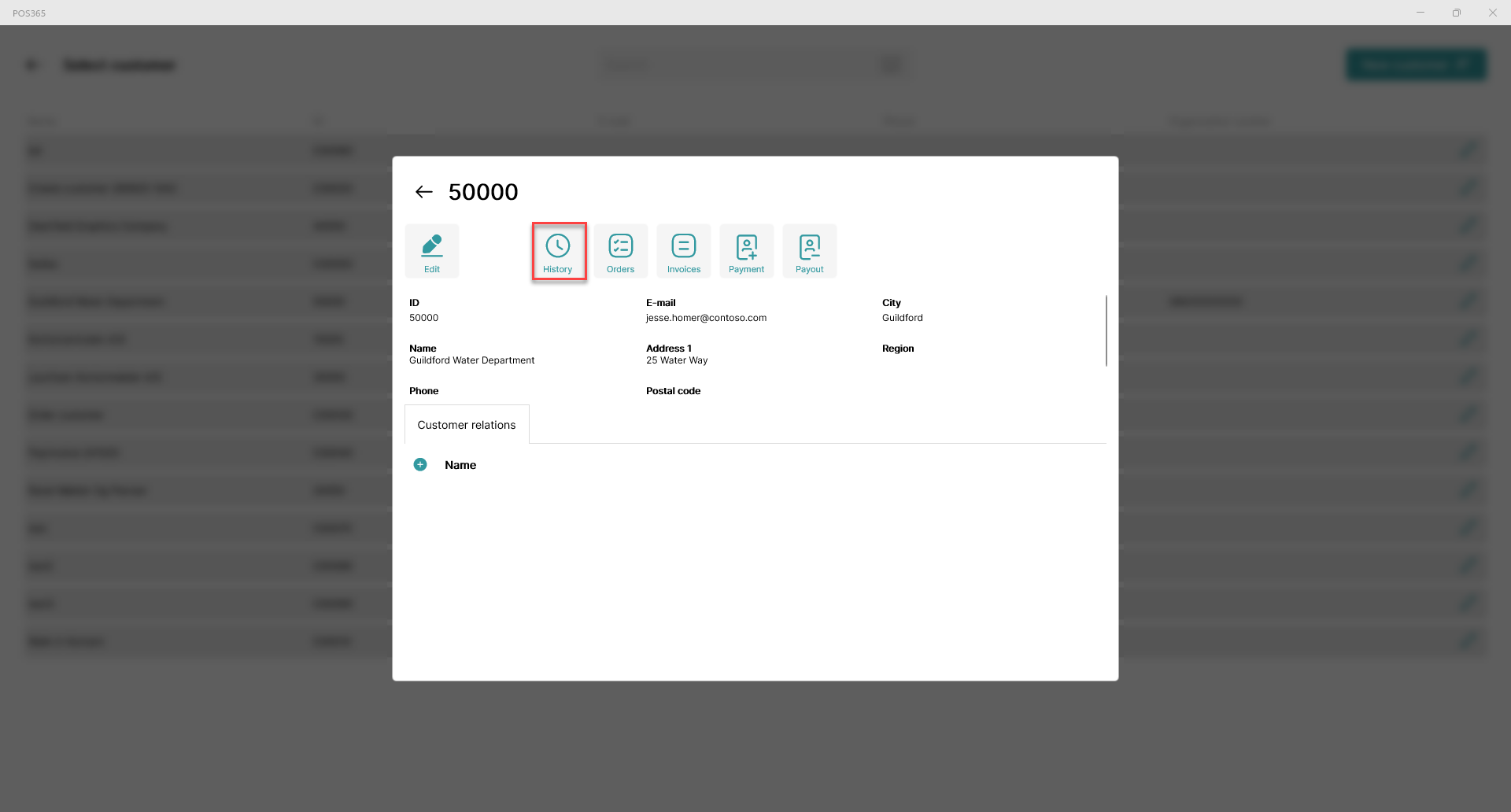
Click 'History'
Step 4:
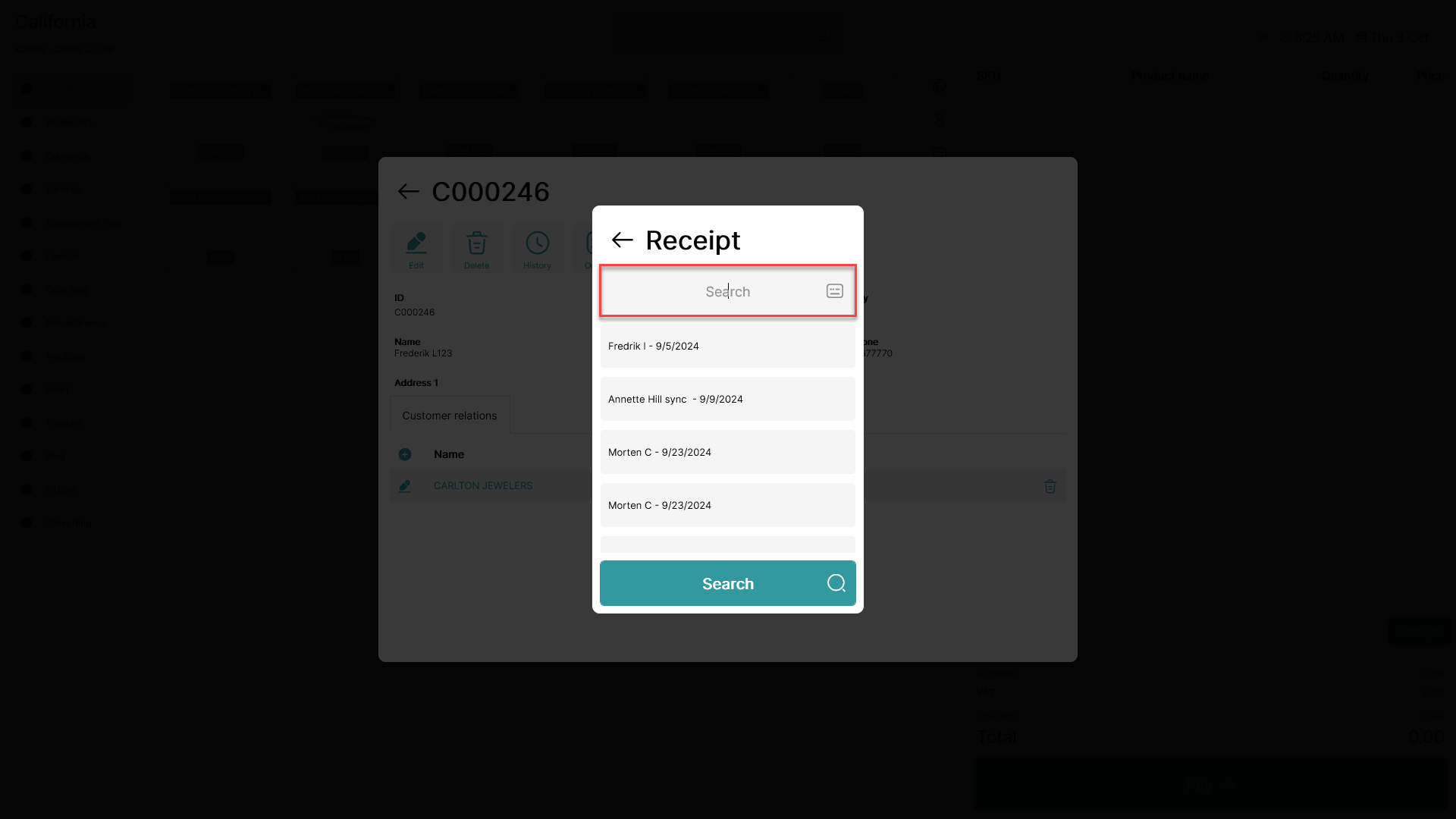
Search for a specific receipt, or press the enter button to search for all receipts on the customer.
Click on the receipt you want to access.
Step 5:
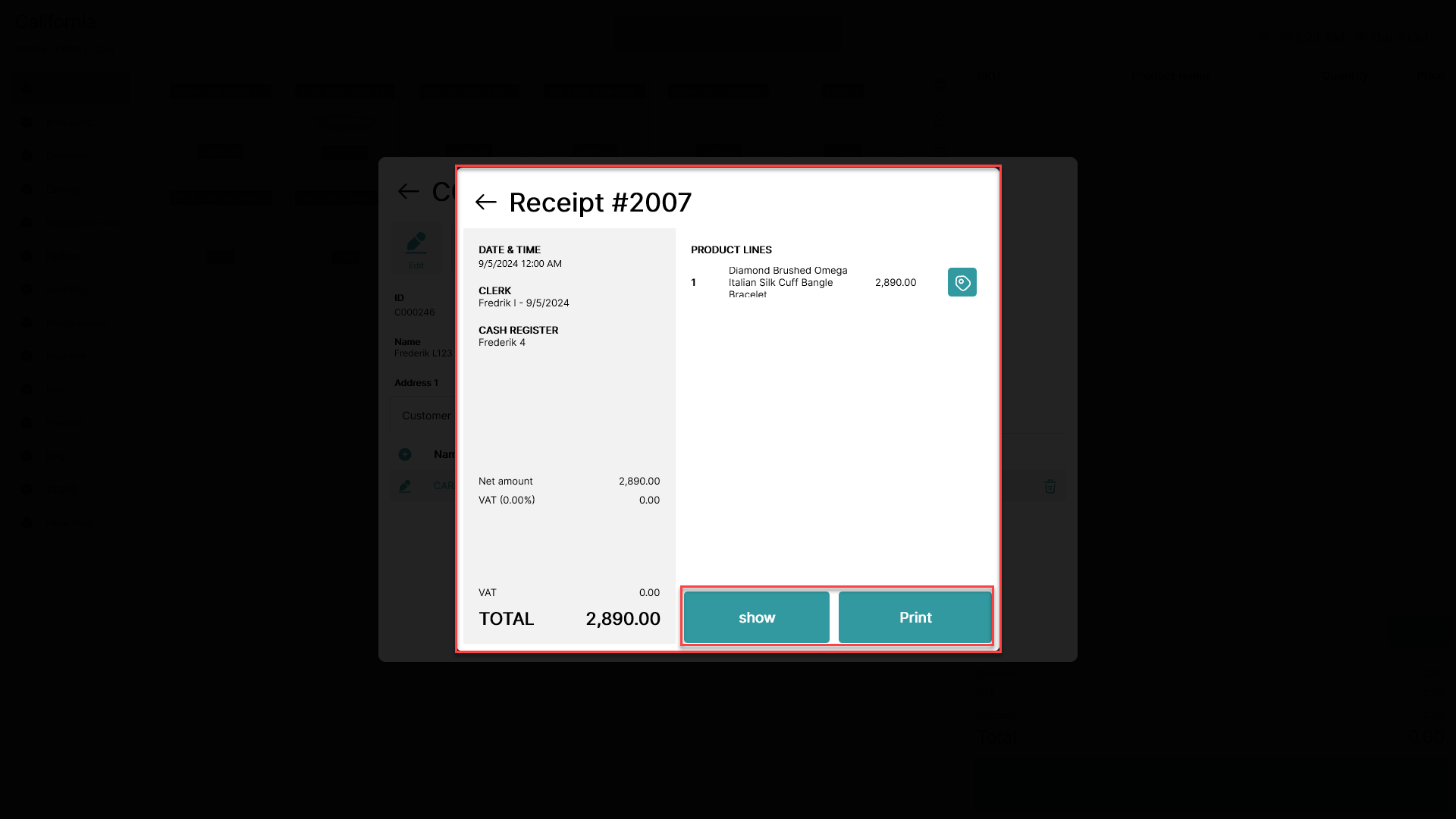
Choose whether you want to show or print the receipt