This guide explains how to manually update an app through Microsoft Store. Note that we recommend using the 'automatic updates' function in Microsoft Store to ensure that you are always using the latest version of the app. To do so, follow this guide.
Step 1:
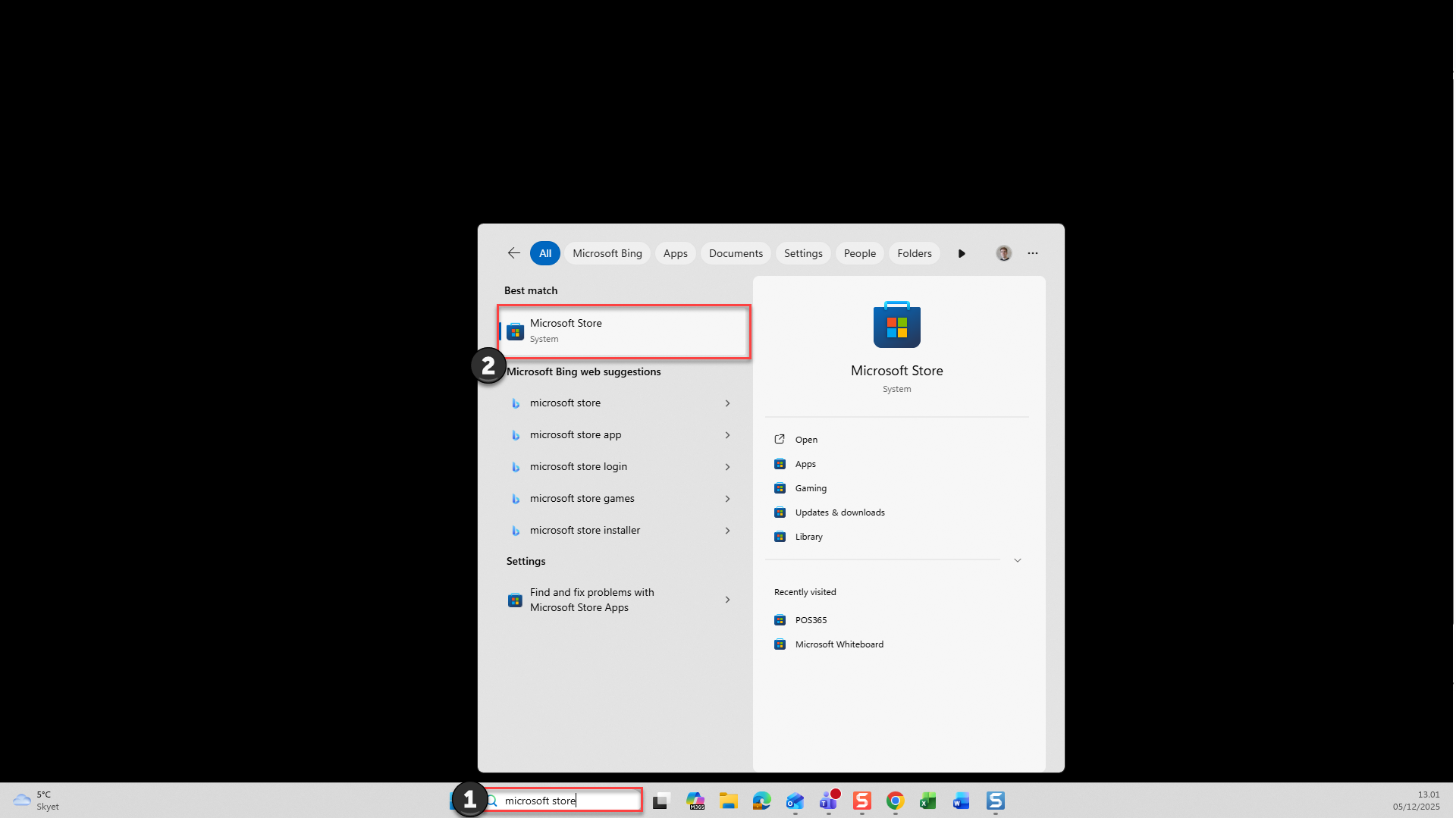
1) Search for 'Microsoft Store'
2) Open the system called 'Microsoft Store'
Step 2:
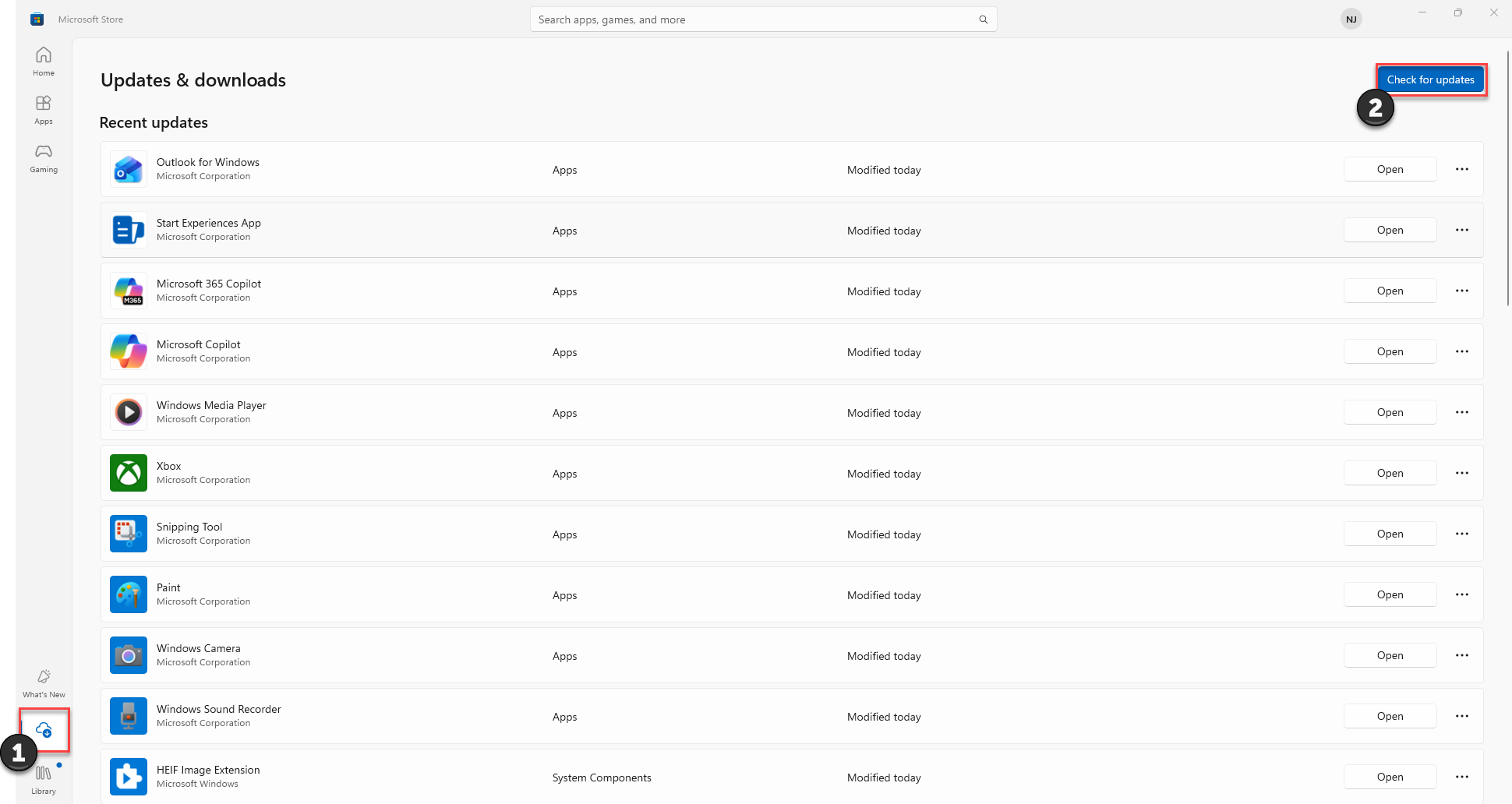
1) Go to 'Downloads'
2) Click 'Check for updates'
Note:
After a few seconds, updates for all apps will be displayed. Find POS365 on the list and click 'update' if the app is not updating automatically
To activate automatic updates, please see this guide